How Long Does a Refrigerator Take to Cool After a Power Outage?
There is no single recovery timetable for every refrigerator and outage. How warm the appliance became, room conditions, door openings, and the model all matter. A short restart delay is different from the time needed to cool an already-warm cabinet.
GE describes about 24 hours for temperature stabilization after initial startup or a temperature-setting change. That guidance is not a universal instruction to ignore a refrigerator that shows no cooling after an outage, and it is not a food-safety waiting period.
GE: temperature stabilization and its limits
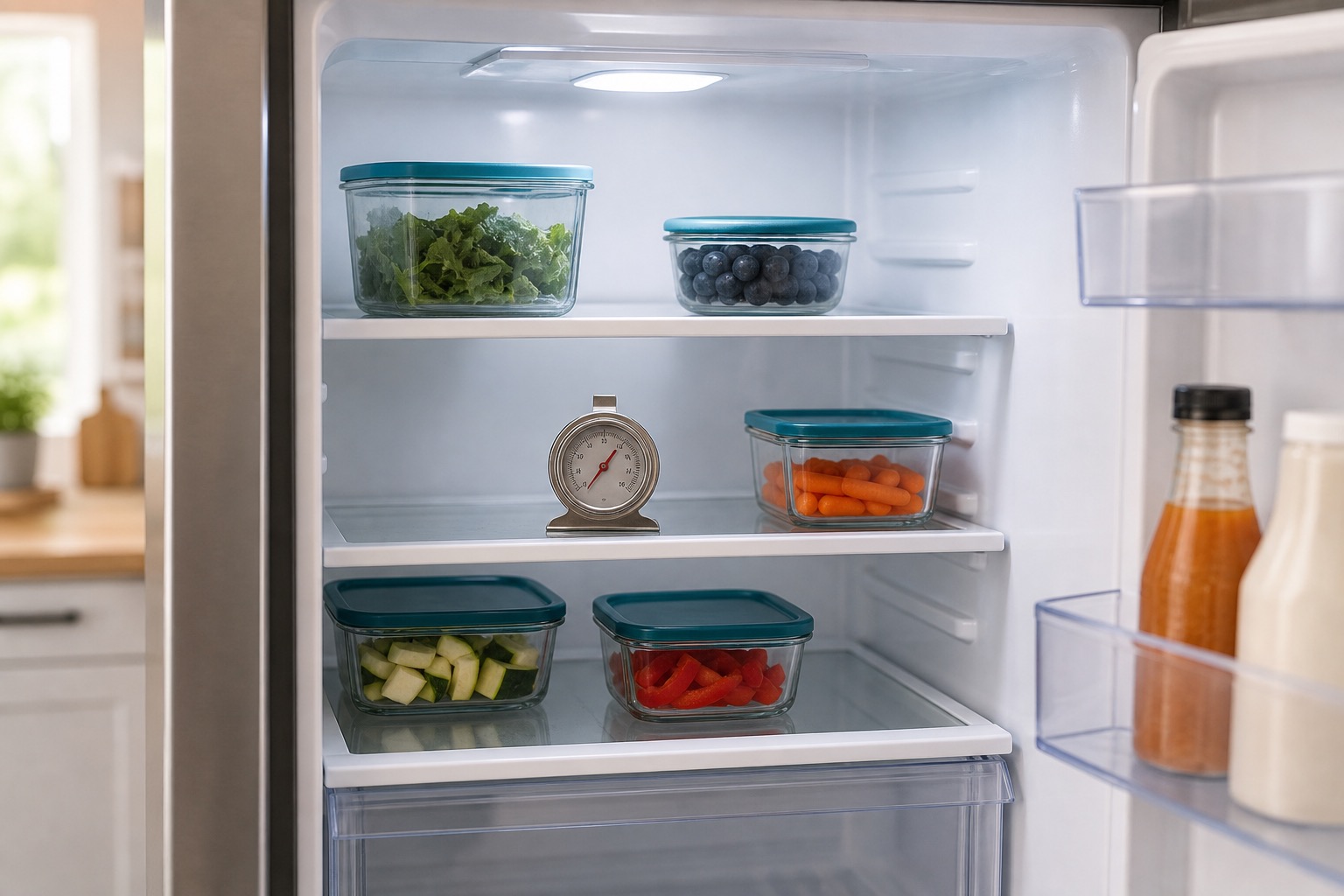
Use an appliance thermometer, rather than the feel of the cabinet or the selected setting alone. FDA guidance calls for a refrigerator at 40°F or below and a freezer at 0°F or below. Protect food separately if those conditions cannot be maintained.
FDA: refrigerator thermometers and safe storage
1. Wait for the Compressor Restart Delay
Many refrigerators do not restart the compressor immediately after power returns.
The restart sequence depends on the model. Follow its manual or manufacturer support instructions; there is no universal number of minutes that proves a compressor has failed.
During this time:
- Interior lights may work.
- The control panel may be illuminated.
- Fans may start.
- The compressor may remain off.
- You may hear clicks from the control system.
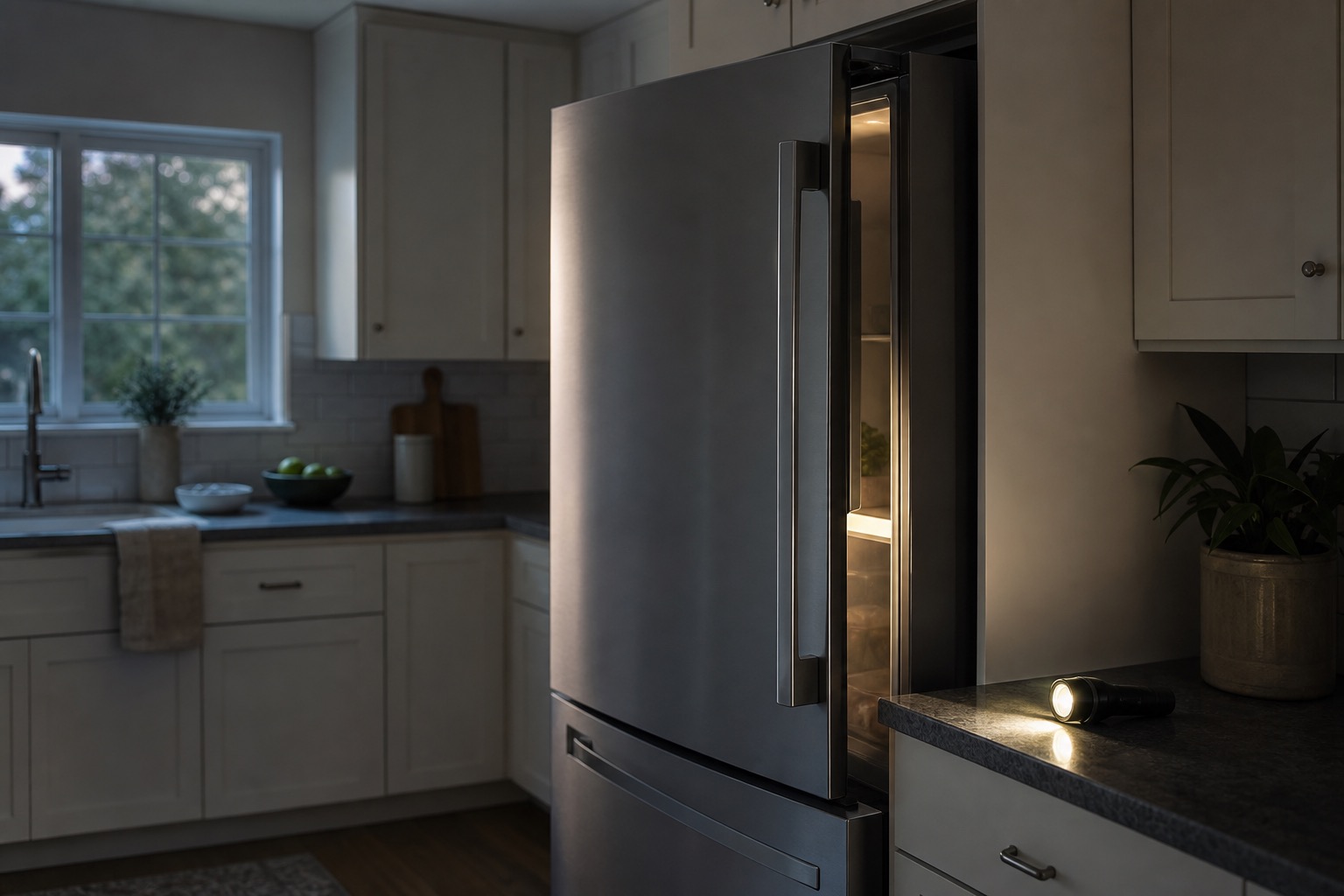
If the expected restart sequence does not occur, note the display and sounds and ask for model-specific guidance. Do not wait through an electrical warning sign.
Avoid repeatedly unplugging and reconnecting the refrigerator because each power interruption may restart the delay period.
2. Confirm That the Refrigerator Has Power
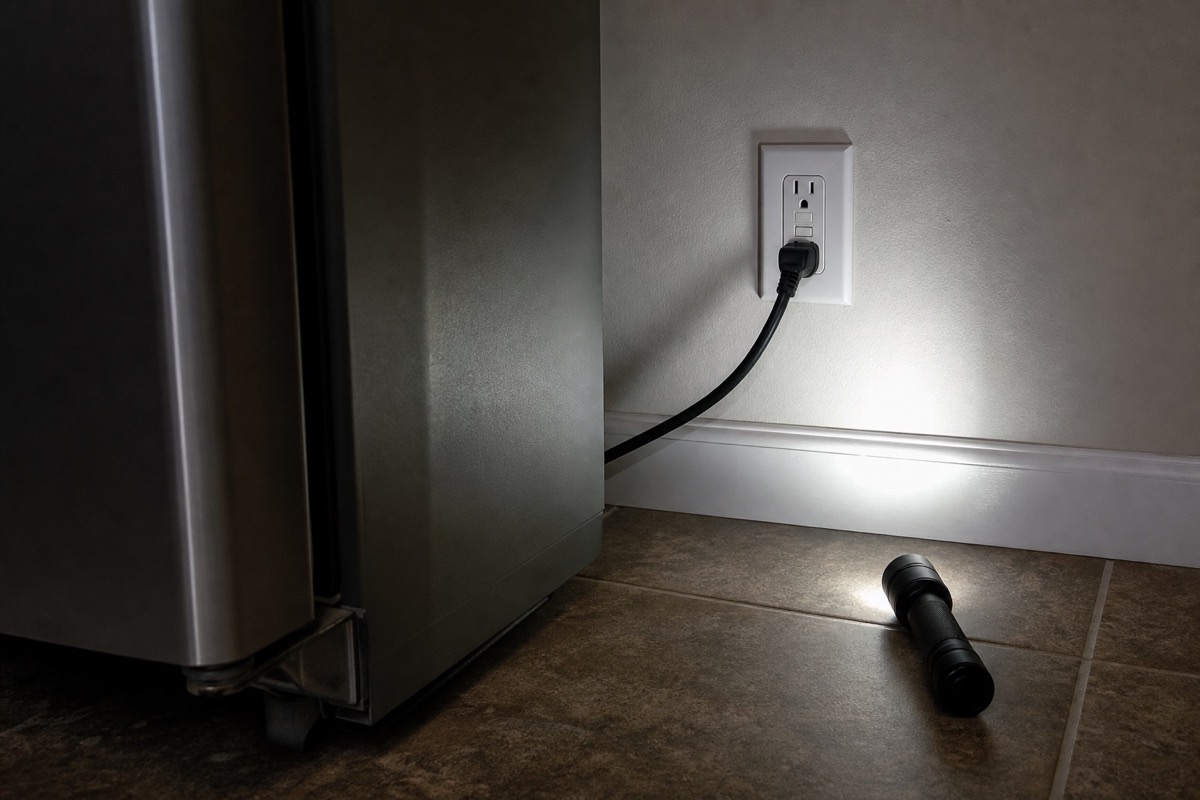
Observe the display, interior light and sounds from the front of the appliance. Note whether the rest of the home has power and whether it has been flickering again. Do not use tools to test the outlet or touch the compressor to check vibration.
A light inside the refrigerator does not always prove that every component is receiving the correct voltage.
Some refrigerator components may stop operating because of:
- A partially tripped breaker.
- A damaged outlet.
- A failed GFCI outlet.
- A loose plug.
- Low or unstable voltage.
- Damage from a power surge.
Look at the plug or electrical panel only if already accessible, dry and undamaged. Do not pull the refrigerator out, open outlet covers, or repeatedly reset a breaker. If the circuit will not stay on, an electrician or qualified appliance technician needs to establish the cause.
3. Check Nearby GFCI Outlets
A refrigerator may be connected to an outlet controlled by a GFCI device located elsewhere.
After a power outage or surge, the GFCI may trip.
A tripped GFCI can interrupt power to a downstream outlet. Identify the correct device before following its instructions, and only when the area and equipment are dry and undamaged. Do not reset unrelated outlets around the home as a troubleshooting routine. If it will not reset or trips again, stop and arrange electrical assessment.
4. Make Sure Cooling Is Turned On
Read the exact message before pressing buttons. These three situations are not interchangeable:
- PO or Power Outage: on the Whirlpool models covered by the linked guide, this records an interruption and a rise in freezer temperature. Acknowledging it clears the alert; that alone does not show that the food is safe or a cooling fault has been repaired.
- Cooling Off, Demo, or Showroom: on applicable models, cooling is disabled even though some lights or controls still work. Whirlpool notes that some models need cooling turned back on after an interruption.
- Sabbath: this is not a synonym for Cooling Off. Samsung RF25-series guidance says the refrigerator and freezer continue cooling while the display, lights and buttons are inactive. That behavior must not be generalized to every brand or model.
Find the complete model number and follow that model’s manual to acknowledge an alert or change a mode. Do not try button combinations from a different control panel. If measured temperatures stay warm after the correct setting is restored, request diagnosis.
Whirlpool: PO outage indicator
Whirlpool: Cooling Off and model-specific controls
Samsung RF25 series: Cooling Off versus Sabbath
5. Reset Only When Your Model’s Instructions Call for It
Photograph the display first. A reset may help a control that has not resumed normally, but it can also clear useful diagnostic information. It is not the first step for every warm refrigerator.
For example, Whirlpool’s linked guide for an unresponsive control panel describes a one-minute power reset followed by checking that cooling is on. That is guidance for the covered condition and models, not a five-minute rule for every brand.
Whirlpool: control-panel troubleshooting and reset guidance
If the manufacturer recommends a reset, use its procedure once and only with safe access to power. Do not move the appliance, use an extension cord, or restart wet or damaged equipment. If the fault returns, keep the error information and request service instead of repeating resets.
6. Check the Temperature Settings
Confirm the selected settings against the owner’s manual; a power interruption does not necessarily erase them. Mechanical dial numbers are not temperature measurements.
Keep an appliance thermometer in use while cooling recovers. Changing a setting does not immediately change the food temperature. Follow the model’s adjustment interval, and use separate safe cold storage when needed.
7. Check for an Error Code
Modern refrigerators may display an error code after an outage.
The code may identify a problem involving:
- Power interruption.
- Temperature rise.
- Evaporator fan.
- Condenser fan.
- Defrost system.
- Temperature sensor.
- Ice maker.
- Communication between control boards.
- Compressor inverter.
Write down or photograph the code before resetting the refrigerator.
Clearing the display does not necessarily repair the underlying problem. A stored or recurring error can help a technician diagnose the appliance.
8. Listen for the Compressor
The compressor is usually located near the bottom rear of the refrigerator.
When running, it may produce:
- A low humming sound.
- Mild vibration.
- A quiet mechanical sound.
If the compressor is completely silent, possible causes include:
- Restart delay.
- Cooling Off mode.
- Failed start relay.
- Failed inverter board.
- Main control board problem.
- Temperature sensor issue.
- Wiring damage.
- Compressor failure.
If the compressor clicks, starts briefly, and stops, it may be overheating or unable to start properly.
Leave compressor covers, terminals and electrical testing to a qualified technician. Listening from the front is enough for a customer observation; do not reach behind the appliance.
9. Listen for Repeated Clicking
Repeated clicking after a power outage may indicate that the compressor is trying and failing to start.
Possible causes include:
- Failed start relay.
- Compressor overload opening.
- Inverter board failure.
- Low supply voltage.
- Locked compressor.
- Control board problem.
A conventional compressor and an inverter compressor use different starting systems.
A universal start kit should not be installed on an inverter compressor. Incorrect components can damage the refrigerator and create a safety hazard.
10. Check Whether the Fans Are Running
Most modern refrigerators use at least two fans:
- Evaporator fan inside the freezer.
- Condenser fan near the compressor.
The evaporator fan moves cold air through the compartments. The condenser fan removes heat from the compressor and condenser.
After a power outage, a fan motor or control circuit may fail to restart.
Possible fan-related symptoms include:
- Freezer cold but refrigerator warm.
- No airflow from the refrigerator vents.
- Excessive heat near the compressor.
- Scraping or buzzing noise.
- Refrigerator running without proper cooling.
- Temperature changing from one section to another.
On some models, opening a door stops a fan. Silence with the door open is therefore not proof of a failed fan. Do not hold or bypass a door switch to force the fan to run, and keep hands and tools away from blades.
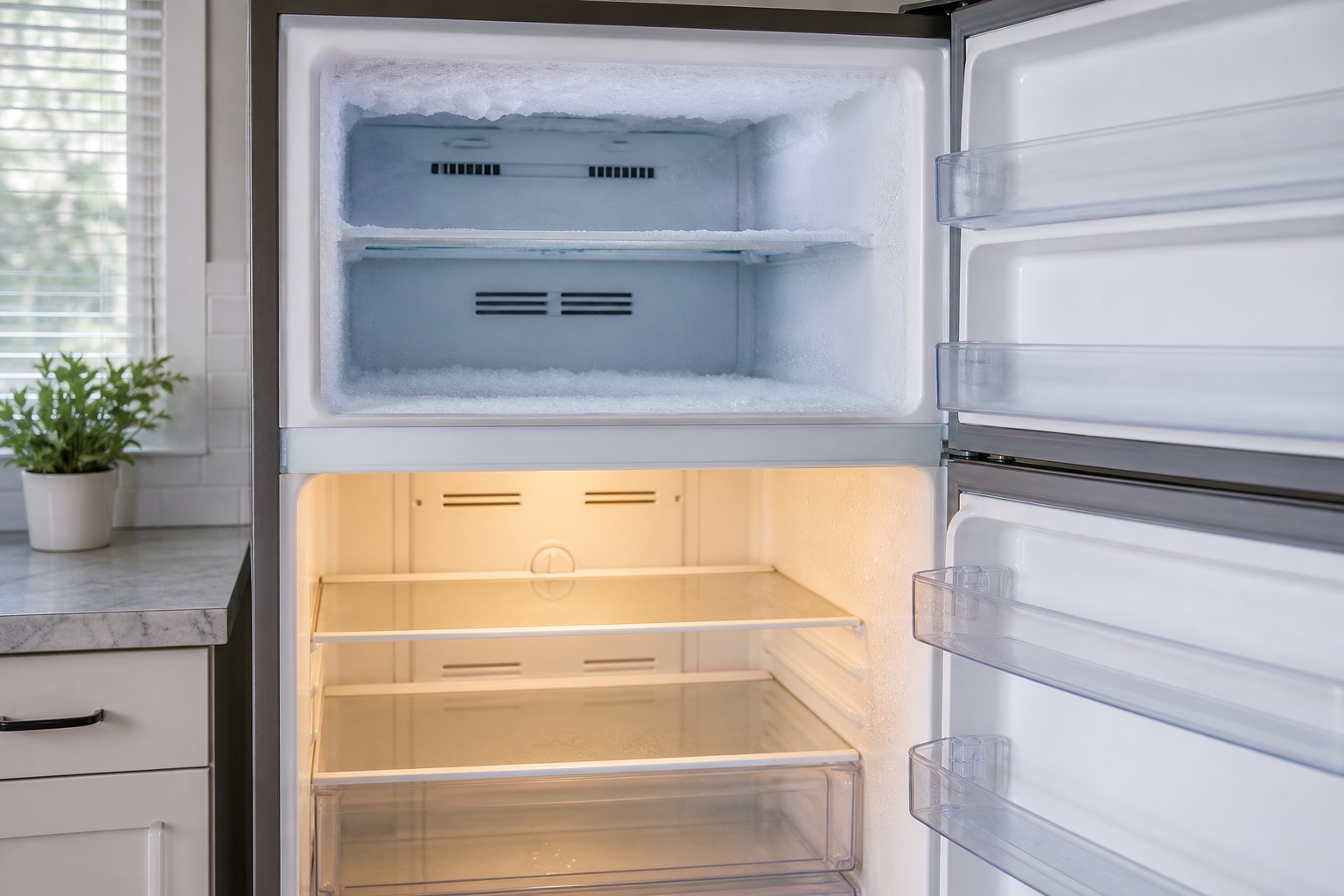
11. Check for Frost on the Freezer’s Rear Wall
A long outage can allow frost to melt partially. When power returns, moisture may refreeze around the evaporator or fan.
A thick layer of frost on the rear freezer panel may restrict airflow.
Possible symptoms include:
- Freezer partially cold.
- Refrigerator section warm.
- Weak airflow.
- Fan scraping against ice.
- Refrigerator running constantly.
- Ice returning after a temporary defrost.
The problem may involve:
- Defrost heater.
- Defrost sensor.
- Defrost thermostat.
- Control board.
- Door-sealing problem.
- Blocked drain.
- Fan frozen in place.
Do not use a knife, screwdriver, or sharp object to remove ice. Puncturing the evaporator can cause a refrigerant leak and make the refrigerator uneconomical to repair.
12. Check Whether the Doors Are Sealing
During an outage, people may open the refrigerator repeatedly to check food.
A door may also remain slightly open because of:
- Food containers.
- Ice buildup.
- Misaligned shelves.
- An overfilled freezer.
- A damaged gasket.
- A sagging door.
Warm, humid air entering the refrigerator can significantly increase recovery time.
Inspect the door gaskets for:
- Tears.
- Cracks.
- Loose sections.
- Food residue.
- Moisture.
- Areas not touching the cabinet.
Clean the gasket with warm water and mild soap.
13. Make Sure the Air Vents Are Not Blocked
Cold air must circulate between the freezer and refrigerator compartments.
After moving food during an outage, containers or bags may block the vents.
Check that:
- Food is not pressed against the rear wall.
- Air outlets are uncovered.
- The freezer is not packed tightly.
- There is space between food items.
- Interior drawers are installed correctly.
Blocked airflow can make the refrigerator remain warm even while the freezer begins cooling.
14. Check the Condenser Coils
Dirty condenser coils can make it harder for the refrigerator to recover after a power outage.
The coils release heat from the sealed system. Dust, lint, grease, and pet hair reduce their efficiency.
Symptoms may include:
- Refrigerator running constantly.
- Slow cooling.
- Excessive heat near the bottom.
- Compressor overheating.
- Higher electricity consumption.
Only clean coils if the owner’s manual identifies them as a homeowner-accessible maintenance area. Disconnect power safely first and follow those instructions. Do not remove service panels, move a connected appliance or touch refrigerant lines, wiring or fan blades. Enclosed condenser systems may not need homeowner cleaning.
15. Consider Power-Surge Damage
When power returns after an outage, the electrical system may experience a voltage surge.
Sensitive refrigerator components can be damaged, including:
- Main control board.
- User interface.
- Compressor inverter.
- Start relay.
- Fan motor.
- Temperature sensor.
- Ice maker board.
- Power supply circuit.
Possible signs of surge damage include:
- Refrigerator completely dead.
- Lights working but no cooling.
- Display flickering.
- Random error codes.
- Repeated clicking.
- Fans not running.
- Compressor not starting.
- Burning smell.
- Cooling returning only after a reset.
Visible burn marks are not always present. Electrical testing may be needed to identify the failed component.
16. The Start Relay May Have Failed
A conventional compressor typically uses a start relay and overload device.
A surge or repeated restart attempt may damage the relay.
Common symptoms include:
- Clicking every few minutes.
- Compressor briefly humming.
- Compressor becoming hot.
- Fans and lights working but no cooling.
- Refrigerator trying to restart repeatedly.
The start components and compressor windings should be tested before replacing parts.
17. The Inverter Board May Have Failed
Many newer refrigerators use variable-speed inverter compressors.
The inverter board converts incoming power and controls compressor speed.
After a power surge, the refrigerator may have:
- Correct power to the inverter.
- Working lights and fans.
- No compressor operation.
- Compressor starting briefly and stopping.
- An inverter error code.
- Repeated restart attempts.
The inverter board, control signal, supply voltage, compressor windings, and grounding condition should be checked.
Replacing the inverter without testing the compressor may not solve the problem.
18. The Control Board May Need Diagnosis
The main control board manages many refrigerator functions, including:
- Compressor operation.
- Fan motors.
- Defrost cycles.
- Temperature sensors.
- Air damper.
- Ice maker communication.
- Display functions.
A power interruption may cause the control board to lock up or fail.
Possible symptoms include:
- Refrigerator not restarting.
- Fans not receiving power.
- Compressor remaining off.
- Incorrect temperatures.
- Random beeping.
- Display problems.
- Cooling returning temporarily after unplugging.
- Multiple systems failing at the same time.
A control board should not be replaced solely because the refrigerator stopped after an outage. Power supply, sensors, fans, compressor components, and wiring should be checked first.
19. There May Be a Sealed-System Problem
A power outage does not normally cause refrigerant to disappear.
However, the outage may reveal an existing compressor, refrigerant, or sealed-system problem because the refrigerator is unable to restart under normal load.
Possible signs include:
- Compressor running but both compartments remain warm.
- Only a small section of the evaporator becomes cold.
- Refrigerator runs continuously.
- Condenser does not become warm.
- Compressor becomes extremely hot.
- Cooling had already been getting weaker before the outage.
Sealed-system diagnosis requires specialized tools and training.
20. Garage Refrigerators May Take Longer to Recover
A refrigerator installed in a hot garage may operate outside the room-temperature conditions specified for that model.
After an outage, a garage refrigerator must cool both the cabinet and its contents while releasing heat into an already hot environment.
This may cause:
- Very long compressor run times.
- Slow temperature recovery.
- Compressor overheating.
- Condenser fan stress.
- Difficulty reaching safe temperatures.
- Repeated overload shutdowns.
Make sure the refrigerator has adequate ventilation around the cabinet.
A standard indoor refrigerator may not be designed to operate in extreme garage temperatures.
What Can You Safely Check?
- Protect perishable food and keep refrigerator/freezer doors closed as much as possible.
- Write down when power failed and returned, and whether it has been interrupted again.
- Record the exact display message before clearing it; note the full model number.
- Observe temperatures and normal operating sounds without removing panels or holding door switches.
- Check cooling mode and settings against the exact model instructions.
- From inside the cabinet, check for blocked air vents, a door held open by packages, and visible frost; do not chip or melt ice with tools.
- Use a manufacturer-directed reset only if appropriate and safe. If the fault recurs or cooling fails to improve, request help.
A restart or cleared alarm does not establish food safety. Keep electrical testing and component diagnosis with qualified professionals.
When Should You Call a Refrigerator Technician?
Request diagnosis if temperatures fail to improve under the model’s recovery instructions, repeated clicking continues, an error returns, or the refrigerator runs but both compartments remain warm. You can request help while protecting food; there is no requirement to wait a full day before contacting us.
A breaker that will not stay on, damaged electrical equipment or a burning smell belongs in the stop-use route above. Household circuit problems may need an electrician. Tell the service team what you observed so the next step can be routed appropriately.
Is the Food Still Safe?
FDA says an unopened refrigerator can keep food cold for about four hours during a power outage. This is an estimate for a closed refrigerator, not four extra hours after power returns.
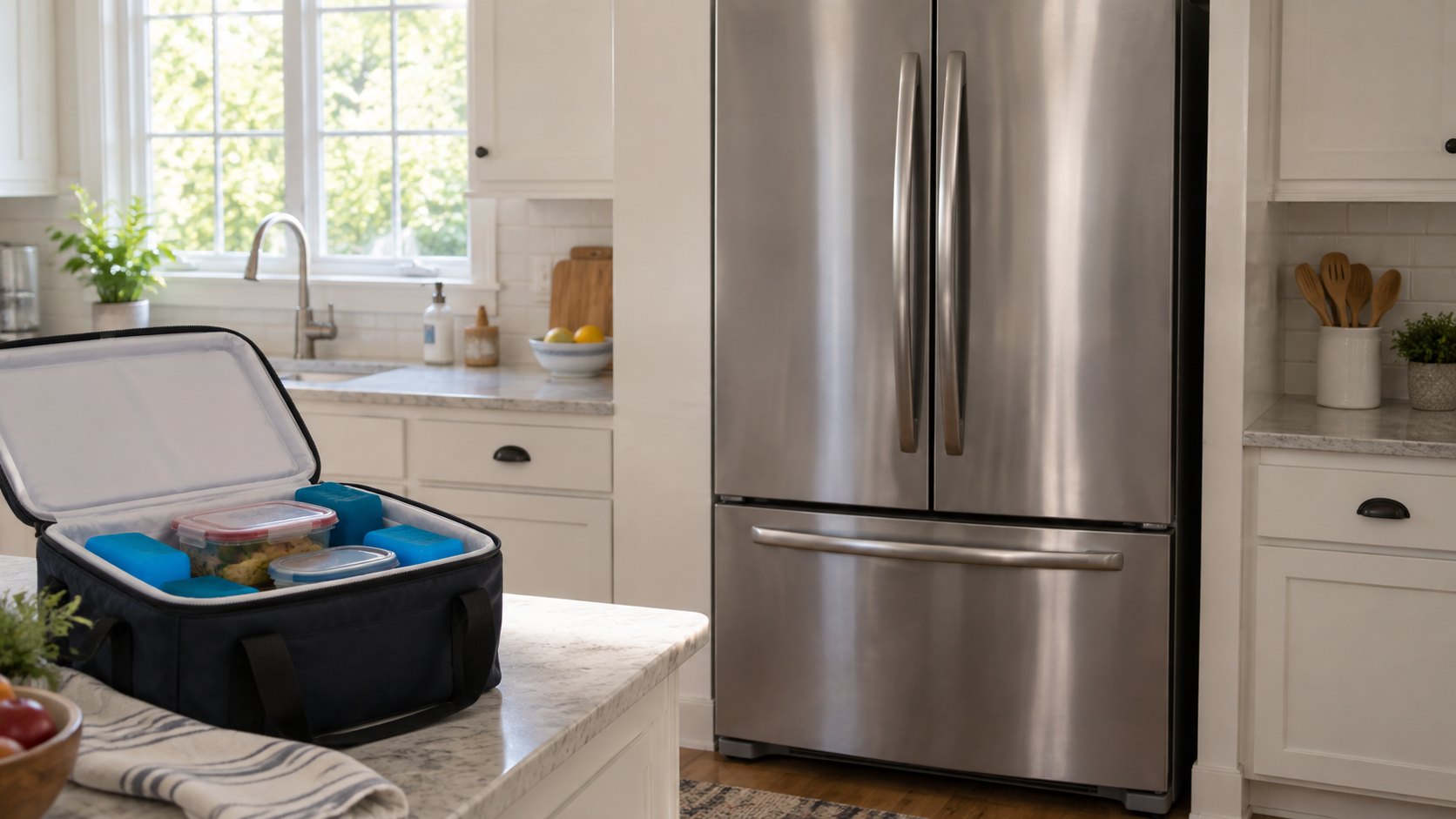
Check the actual temperature and what happened during the outage. Keep still-safe perishables at 40°F or below in a working refrigerator or a cooler with enough ice or frozen gel packs. A cooler alone is not a guarantee; check its temperature and close it after loading.
Do not judge food by smell or appearance. If perishable food became warm and you do not know how long it was above safe refrigeration temperature, discard it rather than relying on the refrigerator cooling again. Use the FDA guidance for item-specific decisions.
FDA: food safety during and after an outage
FDA: using temperatures to assess refrigerated food
Should You Repair or Replace the Refrigerator?
Repair may be reasonable when:
- The refrigerator is relatively new.
- The cabinet and doors are in good condition.
- The problem involves a relay, fan, sensor, inverter, or control board.
- Parts are available.
- The repair cost is significantly lower than replacement.
Replacement may be more practical when:
- The refrigerator is near the end of its expected service life.
- Several electronic components were damaged.
- The compressor or sealed system has failed.
- The cabinet has severe corrosion.
- Replacement parts are unavailable.
- The repair estimate approaches the cost of a new appliance.
A professional diagnosis is important before making the decision.
What to Include in an Outage-Related Repair Request
Art’s Appliance Repair serves Cape Coral and Fort Myers, with other listed Southwest Florida service areas. Share your city or ZIP code through the booking form so we can confirm coverage and availability for your address.
- Brand and complete model number, plus a photo of the display taken before a reset.
- When power returned, whether cooling was normal beforehand, and whether both compartments are affected.
- Thermometer readings with the time taken, if available; say when you do not have a thermometer.
- Whether you hear repeated clicking or have seen a recurring code, and any reset or setting change already tried.
- Whether the appliance is built in, in a garage, or difficult to access; do not move it to investigate.
An online request is subject to confirmation; it does not guarantee an arrival time. The diagnostic/service call is $0 when an approved repair is completed. If no repair is completed after diagnosis, the service call is $79.
Request refrigerator diagnosis
Cape Coral refrigerator repair
Fort Myers refrigerator repair
Read the service-call and warranty policy
Photo guide
Diagnostic Photos
Local Refrigerator Service
We provide refrigerator repair in Cape Coral and Fort Myers, along with surrounding Southwest Florida service areas.
For scheduling, use the Contact page or call/text Art’s Appliance Repair directly.
Helpful Next Pages
These related guides and local service pages help connect the symptom to a practical repair path.
Related Appliance Guides
Refrigerator
Refrigerator Not Cooling but Freezer Is Working: Common Causes
Freezer cold but refrigerator warm? Learn the most common causes, safe checks, and when to schedule refrigerator repair in Cape Coral and Fort Myers.
Updated July 19, 2026
Refrigerator Not Cooling but Freezer Is Working: Common Causes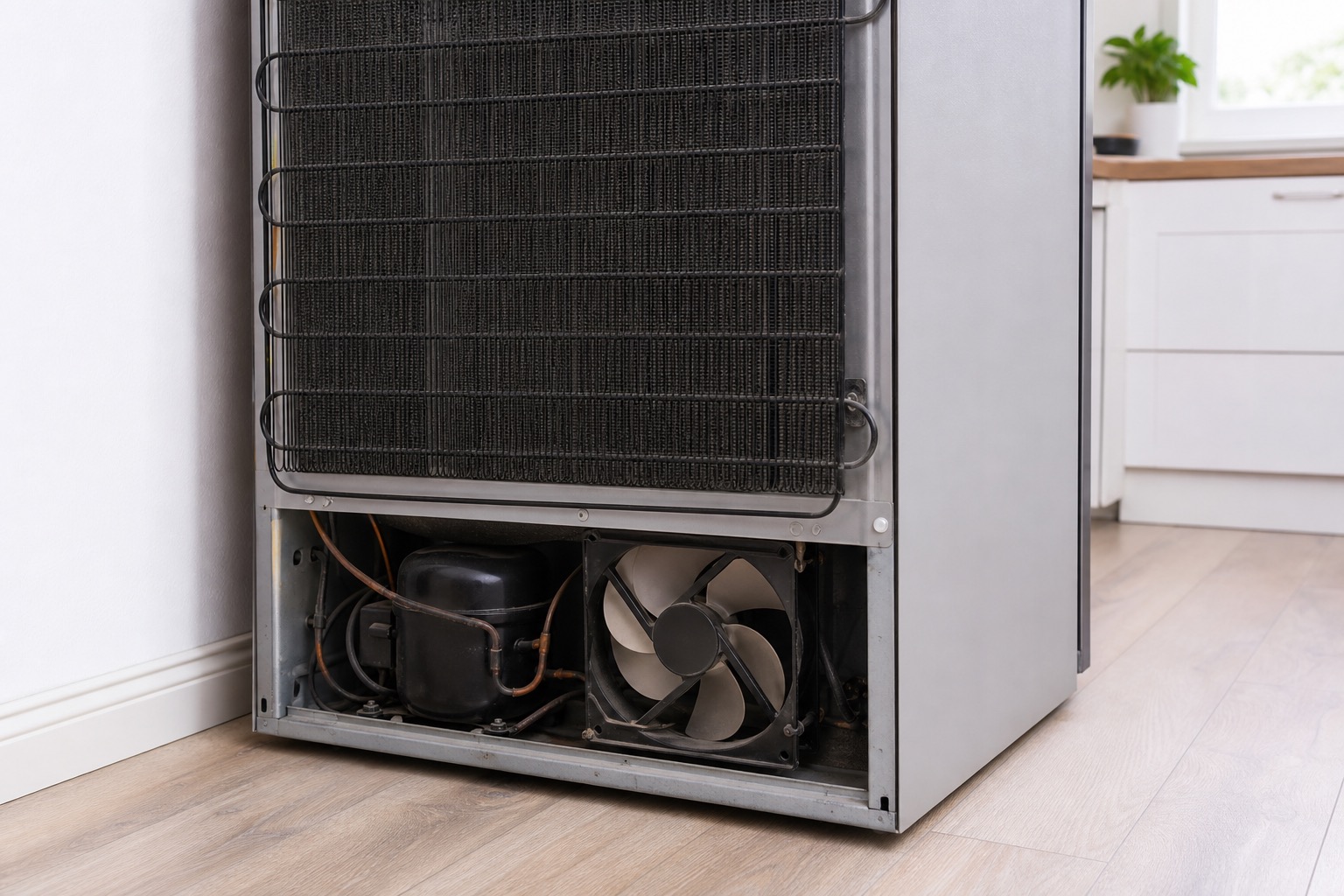
Refrigerator
Refrigerator Running but Not Getting Cold: What Could Be Wrong?
Is your refrigerator running but not cooling? Learn the common causes, safe checks, and when to schedule refrigerator repair in Cape Coral and Fort Myers.
Updated July 19, 2026
refrigerator running but not cooling
Refrigerator
Refrigerator Warm but Compressor Is Running: What the Symptom Means
A running compressor does not prove a refrigerator is cooling. Compare both compartments, protect food, make safe checks, and know when to request local repair.
Updated September 25, 2026
compressor runs but the refrigerator stays warmNeed service?
Refrigerator Repair After a Power Outage in Southwest Florida
Art’s Appliance Repair provides refrigerator diagnostics and repair in Cape Coral, Fort Myers, North Fort Myers, Lehigh Acres, Estero, Bonita Springs and Naples. Coverage and appointment availability are confirmed for each request.
We diagnose refrigerator problems after outages and power surges, including:
- Refrigerator not cooling after power returns.
- Compressor not starting.
- Repeated clicking.
- Failed start relay.
- Inverter board problems.
- Control board failures.
- Fan motor failures.
- Frost and airflow problems.
- Temperature sensor errors.
- Breaker or GFCI-related symptoms.
- Refrigerant and sealed-system concerns.
- Ice maker failures after an outage.
Call or text (239) 688-9955 to schedule refrigerator service.
The service call is $0 when the diagnosed repair is approved and completed. If no repair is completed, the diagnostic service call is $79.
View Refrigerator Repair