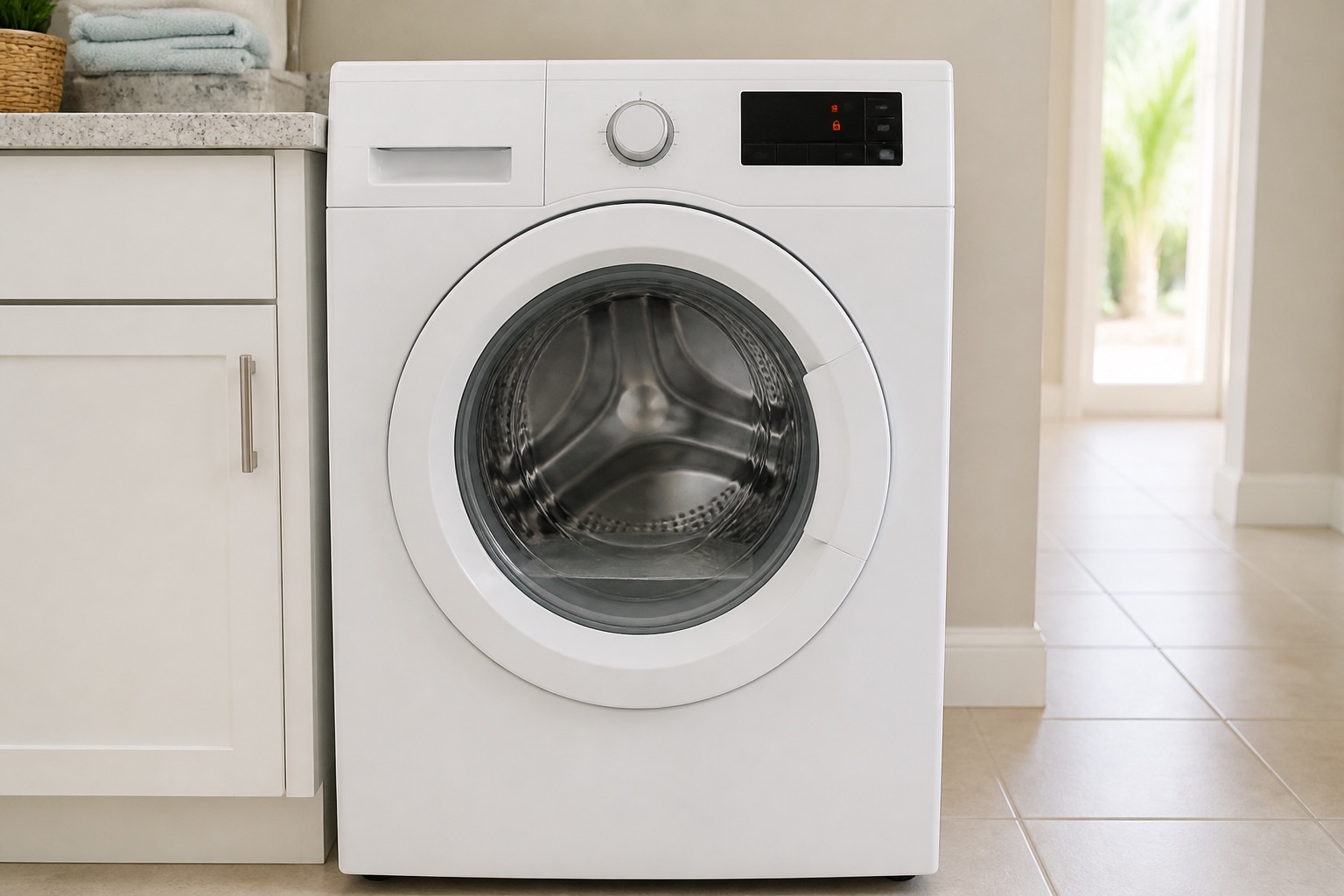
First: Is There Water Still Inside the Washer?
This is the first thing to check because many front-load washers keep the door locked when water remains in the drum.
The lock is a safety feature. If the door opened with water inside, water could spill onto the floor and create an electrical or slip hazard.
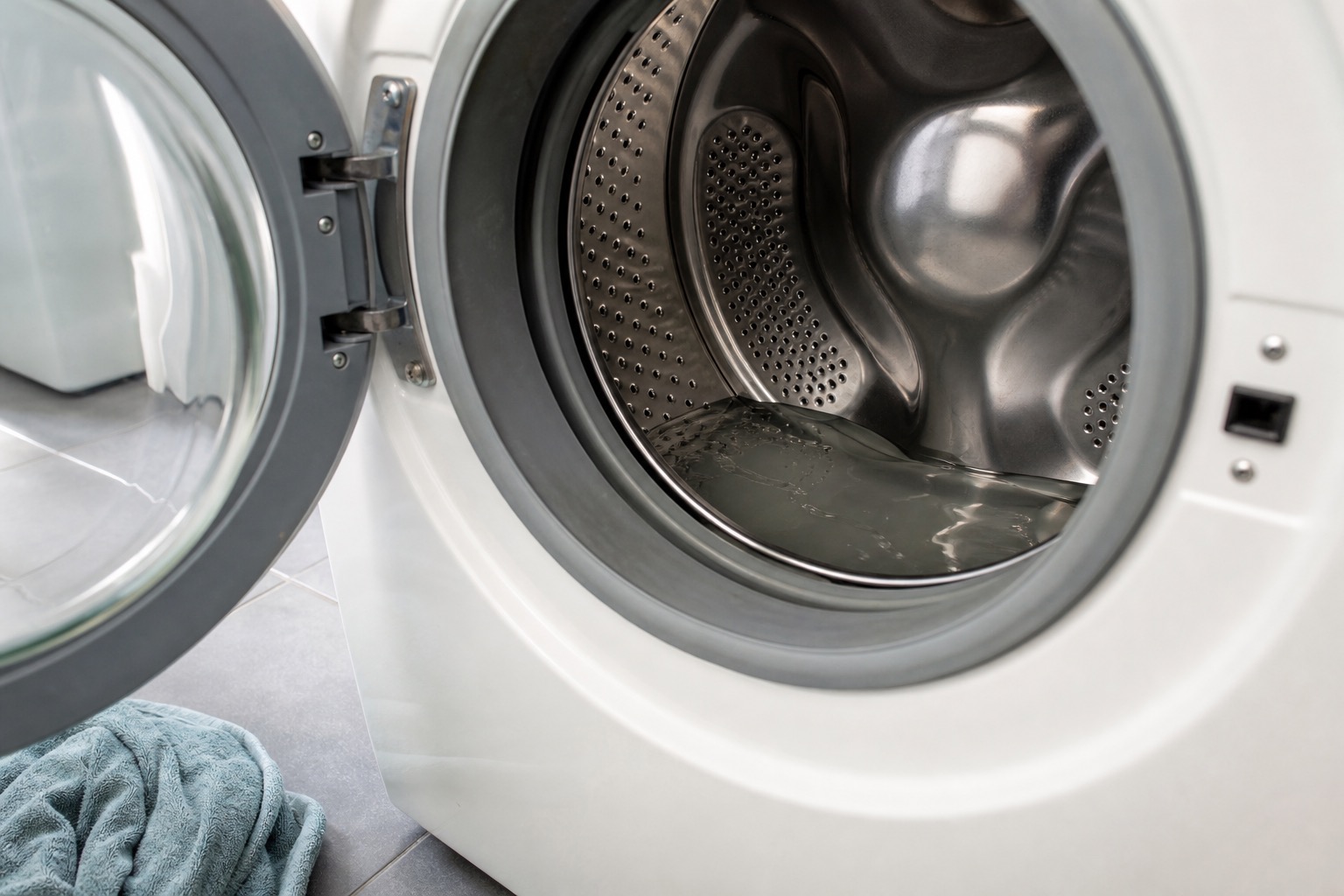
If water is visible in the drum
Treat the symptom as a drain problem first.
- Run Drain & Spin if the washer responds.
- Listen for the drain pump.
- Check whether water moves through the drain hose.
- Look for a drain or pump error code.
- Check for a kinked or crushed drain hose.
- Do not force the door open.
Related guide: Washer Not Draining
If the tub looks empty but the door stays locked
The problem may involve a control delay, hot-water cooldown, Child Lock, door-lock assembly, latch, handle, wiring, or main control.
Record what the display shows before unplugging the machine. Error codes and lock behavior are often the fastest clue.
Wait a Few Minutes After the Cycle Ends
Some washers do not unlock immediately when the timer reaches zero.
The control may wait for the drum to stop, the water level to verify empty, the internal lock to cool, or the final cycle status to complete.
A short delay is normal. Repeatedly pressing buttons or unplugging the washer too quickly can make diagnosis harder.
The Washer May Be Too Hot to Unlock
Some front-load washers keep the door locked if the water temperature or internal temperature is too high.
This may happen after:
- Sanitize cycle.
- Steam cycle.
- Very hot wash setting.
- Interrupted hot-water cycle.
- Washer paused before cooldown.
If the washer just ran a hot cycle, allow time for the machine to cool before trying again.
The Door Is Locked Because the Washer Did Not Drain
A washer can finish part of a cycle but remain locked because it never confirmed that the tub is empty.
Possible drain-side causes include:
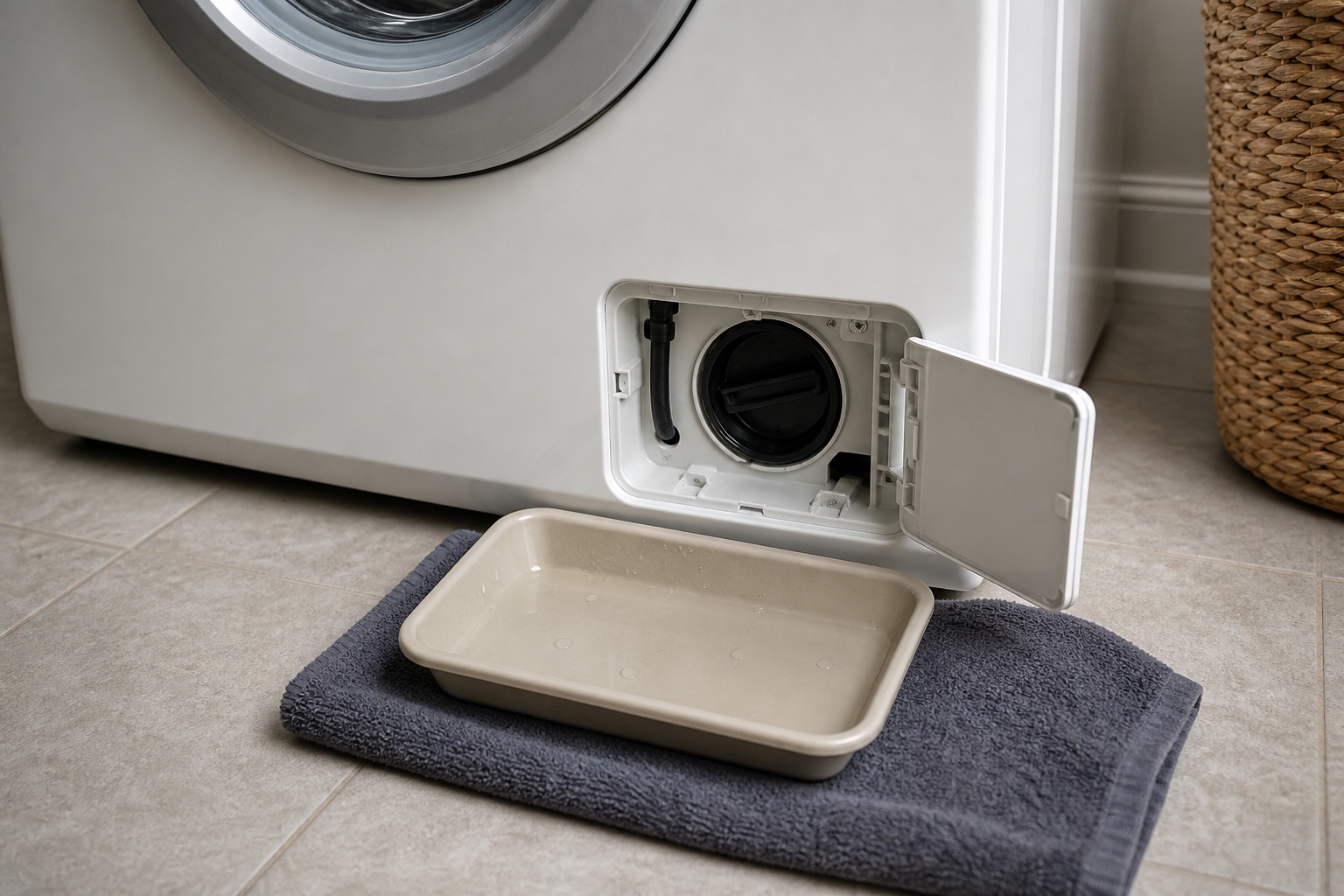
- Clogged pump filter.
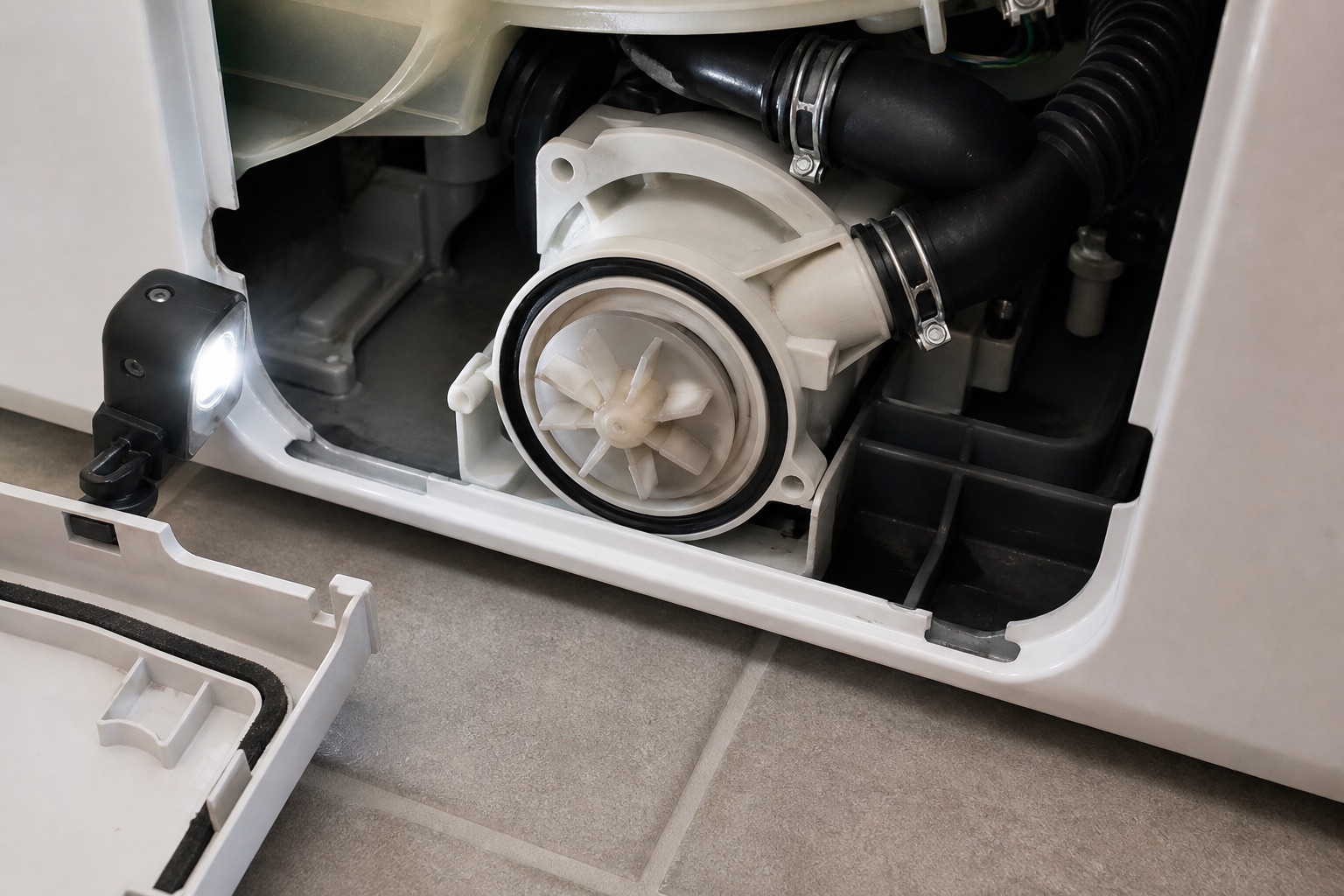
- Blocked drain pump.
- Failed drain pump.
- Kinked drain hose.
- Clogged standpipe or household drain.
- Blocked sump hose.
- Oversudsing.
- Control not receiving the correct water-level signal.
If the washer drains after a separate Drain & Spin cycle and then unlocks, the lock may be doing its job. The original problem may be the drain system or cycle interruption.
The Drain Pump Runs but Water Does Not Leave
If you hear the drain pump but water stays in the washer, there may be a blockage or weak pump.
Common signs include:
- Humming or buzzing from the lower front area.
- Drain error code.
- Slow water movement.
- Water left after Drain & Spin.
- Door locked with wet clothes inside.
- Pump runs longer than normal.
The pump may be blocked by coins, lint, small clothing items, hair pins, or debris. It may also run electrically while the impeller is damaged.
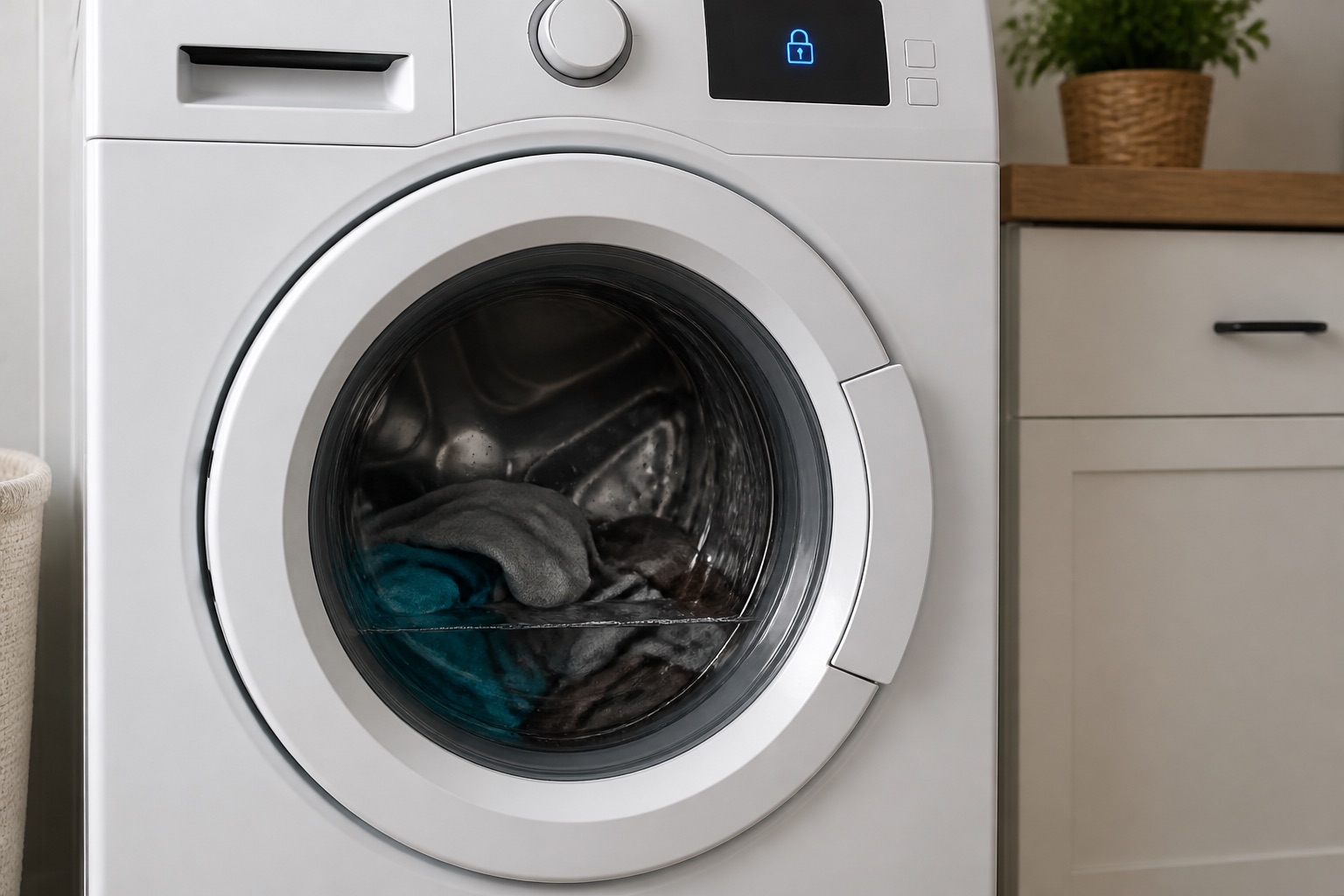
Child Lock or Control Lock Is On
Child Lock or Control Lock can make the washer appear stuck because buttons do not respond normally.
Depending on the model, the display may show a lock icon, CL, LOC, or another lock indicator.
Use the exact control-panel instructions for the washer model. Do not assume every brand uses the same button combination.
Fresh Hold, TumbleFresh, Remote Start, or Pause Mode
Some washers continue tumbling after a cycle to reduce wrinkles or odors. Others stay locked while Remote Start is enabled or while the cycle is paused.
Check whether the machine is still in an active mode before diagnosing a failed lock.
What Happened Right Before the Door Stayed Locked?
The last action before the lock problem matters.
The washer stopped before draining
Look at drain pump, filter, hose, water-level sensing, and control logic.
The washer stopped before spinning
A washer may not unlock because it still detects water, imbalance, lock failure, motor error, or speed-sensor issue.
Related guide: Washer Not Spinning
The washer lost power
A power interruption can leave the lock engaged until the control restarts or the model-specific release procedure is used.
The washer displayed an error code
Write down the exact code before resetting the washer. The same locked-door symptom can point to a drain error, door-lock error, motor error, or control problem.
View common Appliance Error Codes
The Door Lock Clicks but Does Not Open
Clicking tells you the washer is trying to lock or unlock. It does not prove that the lock is working correctly.
Possible causes include:
- Door-lock assembly failure.
- Latch not lining up with the lock.
- Loose or cracked handle.
- Door strike damage.
- Wiring or connector problem.
- Control board not sending a complete unlock command.
If the lock clicks repeatedly and the door still will not open, stop pulling on the handle and document the behavior.
Mechanical Door Lock or Handle Failure
The door can remain physically stuck even when the control has ended the cycle.
Mechanical causes include:
- Broken handle.
- Cracked latch.
- Bent door strike.
- Misaligned door.
- Door boot or gasket interference.
- Lock assembly jammed internally.
Door Lock Error Codes
Many washers display a code when the door lock does not confirm correctly.
Door-related codes vary by brand and may involve:
- Door not closed.
- Door not locking.
- Door not unlocking.
- Lock switch not confirming.
- Latch misalignment.
- Control not seeing the lock signal.
- Wiring problem between the lock and control.
A lock code does not always mean the lock alone is bad. The latch, wiring, control, and water-level condition may also be part of the diagnosis.
Door Locked Plus Drain Error
If the washer shows both a locked door and a drain-related code, start with the drain condition.
The washer may be refusing to unlock because it still senses water inside.
Related guide: Washer Stops in the Middle of a Cycle
The Washer Is Completely Dead and the Door Is Locked
If the washer has no lights and the door is locked, the problem may involve power supply, outlet, breaker, power cord, internal fuse, wiring, or control board.
Check the breaker and outlet safely. Do not open panels or test live voltage unless you are trained and have the correct equipment.
Manual Unlock Safety
Some washers have a model-specific manual release near the pump filter, under the top panel, or behind a service panel.
Use the manufacturer’s instructions for the exact model before touching a manual release.
The Door Unlocks After Unplugging
If unplugging the washer briefly allows the door to open, that may point to a temporary control state, but it is not a repair.
If the problem returns, the washer should be diagnosed for lock, drain, sensor, wiring, or control issues.
The Door Unlocks After Drain & Spin
If Drain & Spin clears the water and the door opens, the lock may be functioning normally.
The next question is why the original cycle failed to drain, spin, or complete.
The Door Is Locked and the Washer Will Not Spin
A washer that will not spin and will not unlock may have water remaining, an unbalanced load, lid or door-lock failure, motor issue, speed-sensor issue, or control problem.
If clothes are soaking wet, diagnose drain and spin together.
Lock and Unlock Clicks at the Start Can Be Normal
Many washers lock and unlock briefly at the beginning of a cycle as part of a self-check.
That is different from a door that remains locked after the cycle or a lock that clicks repeatedly without completing.
The Washer Door Will Not Lock at All
A washer that will not lock is a different symptom from a washer that will not unlock.
Possible causes include a door not fully closed, blocked latch, broken strike, faulty lock assembly, wiring issue, or control problem.
Related guide: Washer Fills With Water but Does Not Start Washing
What a Service Call Separates
A proper diagnosis separates a safety lock doing its job from a failed lock or control problem.
A technician may check:
- Actual water level in the tub.
- Drain pump operation.
- Pump filter and sump hose.
- Drain hose and standpipe setup.
- Door strike and latch alignment.
- Door-lock switch signals.
- Wiring harness and connectors.
- Control-board output.
- Stored error codes and diagnostic history.
- Spin and drain test operation.
Practical Diagnostic Order
- Look for water in the drum.
- Record the exact display message or error code.
- Wait a few minutes after the cycle ends.
- Check Child Lock or Control Lock.
- Run Drain & Spin if the washer responds.
- Listen for the drain pump.
- Check safe external drain-hose issues.
- Do not force the handle.
- Use only the model-specific manual release if needed.
- Schedule diagnosis if the symptom repeats.
Safe Things You Can Check
- Is water visible in the washer?
- Did the cycle fully finish?
- Is the washer still hot from a steam or sanitize cycle?
- Is Child Lock or Control Lock on?
- Does the display show a door-lock or drain code?
- Does Drain & Spin remove water?
- Can you hear the drain pump?
- Is the drain hose kinked behind the washer?
- Is the handle loose or cracked?
- Does the door unlock only after unplugging?
Do not remove panels, bypass the lock, or test live electrical parts unless you have the proper training and tools.
When to Call a Washer Technician
Professional diagnosis is recommended when:
- The washer is locked with water inside.
- Drain & Spin does not remove the water.
- The pump hums but water does not move.
- The door lock clicks but will not release.
- The display shows a door-lock, drain, motor, or control code.
- The handle or latch feels loose or damaged.
- The door unlocks only after unplugging.
- The washer repeatedly stops before drain or spin.
- The machine is completely dead and locked.
- The problem returns after a reset.
Manufacturer Sources Used
This guide was prepared using official manufacturer troubleshooting references for washer door-lock, drain, control-lock, and error-code behavior.
Whirlpool: Door Will Not Lock or Unlock
Whirlpool: Front Load Washer Door Will Not Open
Samsung: Washer Door Is Locked
LG: Recovering From a Locked Washer
LG: dE, dE1, and dE2 Error Codes
Photo guide
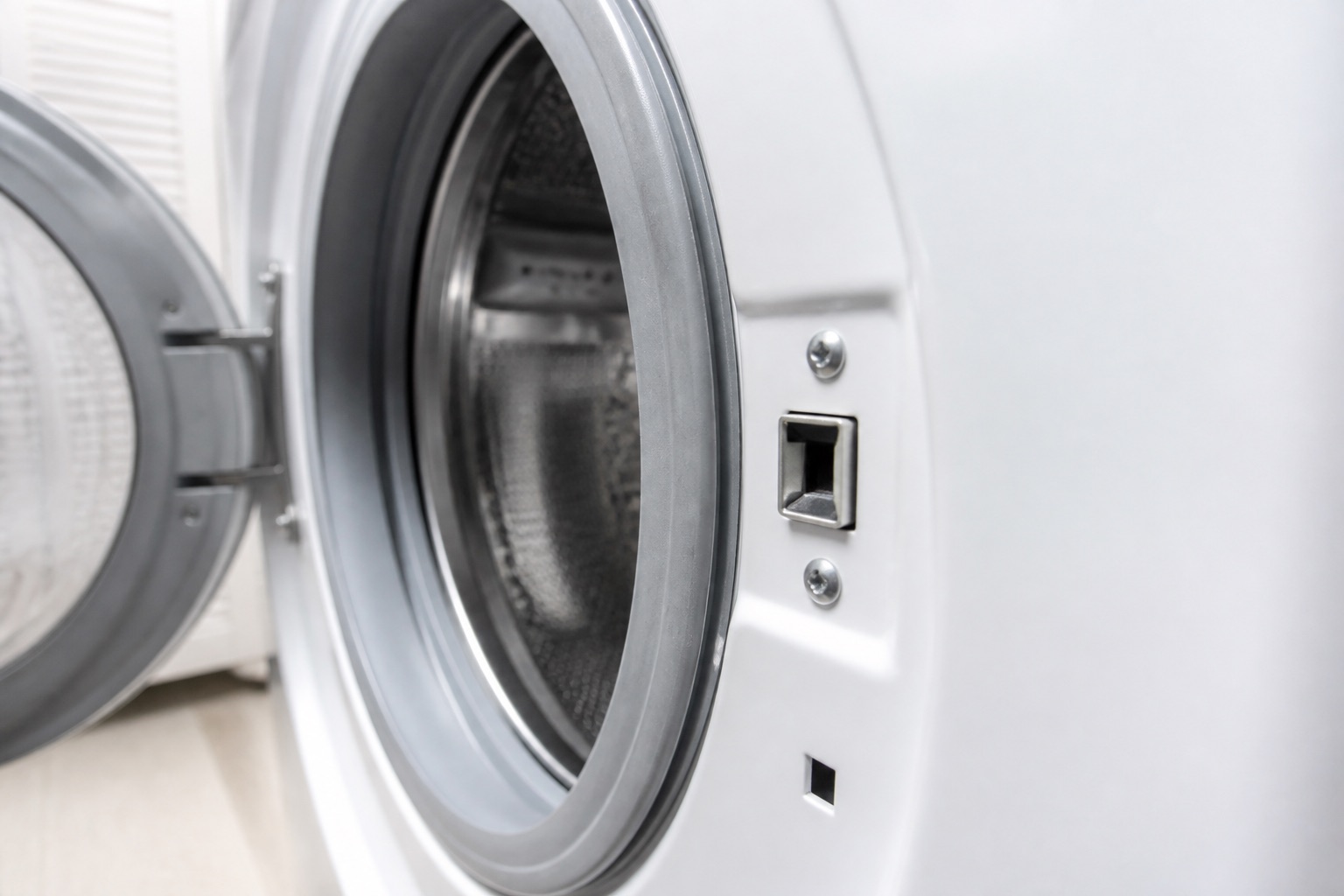
Diagnostic Photos
Local Washer Service
We provide washer repair in Cape Coral and Fort Myers, along with surrounding Southwest Florida service areas.
For scheduling, use the Contact page or call/text Art’s Appliance Repair directly.
Helpful Next Pages
These related guides and local service pages help connect the symptom to a practical repair path.
Related Appliance Guides
Washer
Washer Not Draining: 7 Common Causes
Washer not draining or leaving water inside? Learn the common causes, safe checks, and when to schedule washer repair in Cape Coral or Fort Myers.
Updated July 25, 2026
Washer Not Draining: 7 Common Causes
Washer
Washer Stops in the Middle of a Cycle: Common Causes
Washer stopping mid-cycle? Learn the common drain, lock, motor, sensor, water-supply, and control problems and when to schedule washer repair.
Updated August 6, 2026
washer stops in the middle of a cycle
Washer
Washer Not Spinning: What Could Be Wrong?
Washer not spinning or clothes still wet? Check cycle settings, drainage and load balance, then know what to share for washer repair in Cape Coral or Fort Myers.
Updated September 21, 2026
Washer Not SpinningNeed service?
Washer Repair in Cape Coral, Fort Myers and Southwest Florida
Art’s Appliance Repair provides washer diagnostics and repair throughout Cape Coral, Fort Myers, North Fort Myers, Lehigh Acres, Estero, Bonita Springs, Naples, and surrounding Southwest Florida communities.
We diagnose washer door-lock problems, locked doors with water inside, drain pump failures, clogged filters, spin problems, lid-lock issues, control errors, wiring faults, and cycle interruptions.
Call or text (239) 688-9955 to schedule washer service.
Service call: $0 with an approved repair. $79 if no repair is completed.
View Washer Repair