Stop First for Heat, Electrical or Gas Warning Signs
The U.S. Consumer Product Safety Commission advises periodic cleaning of the lint filter, dryer vent and exhaust duct to reduce dryer-fire risk. An overheating or airflow symptom deserves attention even when the dryer later restarts.
CPSC: clothes-dryer safety materials
First, Record What Stopped
When the symptom happens, do not immediately clear the display or keep pressing Start. Note the selected cycle and approximate run time, then answer these questions from outside the closed appliance:
- Did the drum stop, or did only the heat stop?
- Does the display still show time, End or an error code?
- Did the cycle end normally, pause, or lose all power?
- Will Timed Dry continue when Sensor Dry ends early?
- Will the dryer restart immediately, only after cooling, or not at all?
- Is the cabinet unusually hot, is outside airflow weak, or is there an odor or electrical warning?
Photograph the full code or blinking-light pattern before any model-approved reset. Samsung notes that resetting can clear stored error information, so preserving the symptom can help with diagnosis.
Sensor Dry Ends Early, but Timed Dry Runs
Automatic cycles do not promise a fixed run time. Whirlpool states that its covered automatic cycles sense drum humidity and turn off when the selected dryness is reached. Samsung likewise says Sensor Dry can shorten or extend a cycle, and its exact cycles and settings vary by model.
If the dryer ends after a few minutes only on Sensor Dry, the pattern is different from the whole machine shutting down. A very small load may not contact the sensor consistently; mixed fabrics can leave heavy items damp after lighter items reach the sensor; a low dry-level setting or residue on accessible sensor bars can also matter on covered models.
- Check the cycle name and dry-level setting in the exact model manual.
- Use a normal mixed load within the model's instructions; do not add wet items merely to force a test.
- If the manual identifies accessible sensor bars, clean them only by the manufacturer's method while the dryer is off and cool.
- Compare with a model-approved Timed Dry or Manual Dry cycle and record whether the drum completes the selected time.
Do not generalize Samsung's load quantities, button sequences or cleaning method to every brand. If Timed Dry also stops, move to the true-shutdown checks instead of replacing a moisture sensor.
Whirlpool: dryer stops mid-cycle
Samsung: dryer cycles, settings and Sensor Dry
Samsung: cycle ends too quickly
The Dryer Stops and Restarts Only After Cooling
A dryer that physically stops on Sensor Dry and Timed Dry, refuses an immediate restart, then works again after cooling has a different pattern from a normal automatic-cycle finish. Temperature protection, motor condition, mechanical drag, airflow, wiring or control behavior may need to be separated.
The cooling pattern does not prove a failed motor. A restricted exhaust, blower obstruction, worn drive part or internal electrical connection can change the load or temperature around the motor. Cabinet access and electrical testing belong to a qualified service professional.
Check Accessible Airflow Clues
Restricted exhaust can trap heat and moisture. On some Samsung models, a detected vent blockage can make the dryer appear to shut off or lose power. A model-specific vent-blockage test may help, but the button sequence and result codes vary, so use the exact manual.
- Clean and reinstall the removable lint filter before the next safe use.
- Without moving the appliance, look for a visibly crushed or sharply kinked exhaust connection.
- From a safe, accessible outdoor location, observe whether the exterior vent covering opens during operation.
- Record any Check Vent, AF, airflow or temperature message exactly as displayed.
- Stop if the cabinet, plug, outlet or laundry becomes unusually hot, or if you smell burning.
Do not run the dryer with its exhaust disconnected as a generic test, reach into a moving vent, climb to a roof termination, or move a gas dryer to inspect behind it. A household exhaust service and an internal appliance repair are separate scopes.
Samsung: power loss and model-specific vent blockage checks
The Display Goes Dark With the Drum
If all controls and lights go dark, record whether the identified dryer breaker tripped and whether anything changed in the installation. Do not touch a warm, loose, scorched or damaged cord, plug or outlet. Samsung directs owners to switch off the breaker before visually inspecting the power connection on covered models and to use an electrician for visible damage or repeated trips.
A tripped breaker can be difficult to identify visually, but do not use a generic reset sequence when the model instructions are unavailable or warning signs are present. Never remove a terminal cover or test a dryer receptacle or live voltage as a homeowner check.
The Display Stays On, but the Drum Stops
If the display remains responsive, full incoming power may not have disappeared. Record whether the door is latched, whether a door-related code appears, whether the dryer hums, and whether vibration or load size changes the symptom. The door switch is a safety device and must not be bypassed.
Professional diagnosis may need to separate the motor and its temperature protection, belt or drive resistance, blower obstruction, door circuit, relay, wiring and control. The visible symptom does not identify which part should be ordered.
Safe Checks Before Requesting Dryer Repair
- Stop immediately for any heat, smoke, odor, gas, cord, outlet or breaker warning sign.
- Record the model, cycle, setting, approximate run time and full displayed message.
- Note whether Sensor Dry alone ends early or Timed Dry also stops.
- Note whether the display stays on and whether the dryer restarts immediately, after cooling, or not at all.
- Clean the lint filter and inspect only the visible, accessible exhaust path without moving the appliance.
- Use the exact model manual for cycle behavior, sensor cleaning and any vent-blockage test.
Keep every check external. Do not open a cabinet, bypass a switch, handle a gas connection, test live voltage, force the drum, or order a motor, sensor, fuse, thermostat or control board from the symptom alone.
What to Include in a Local Dryer Repair Request
For dryer repair in Cape Coral or Fort Myers, share your city or ZIP code privately so we can confirm coverage, appliance eligibility and appointment availability.
- Brand, complete model number, and whether the dryer is electric or gas.
- Selected cycle and the approximate number of minutes before it stops.
- Whether the drum stops, the heat stops, or the whole display goes dark.
- Whether it restarts immediately or only after cooling.
- The exact error code and any weak airflow, unusual heat, noise, odor or breaker clue.
- A closed-appliance photo and clear display photo; do not recreate a hazardous symptom for a picture.
Art’s Appliance Repair services many electric and gas dryer shutdown problems. Share the model so we can confirm whether we can help. An online appointment time is a request and requires confirmation. The service call is $0 when an approved repair is completed, or $79 if no repair is completed after diagnosis.
Request dryer shutdown diagnosis
Service-call and warranty policy
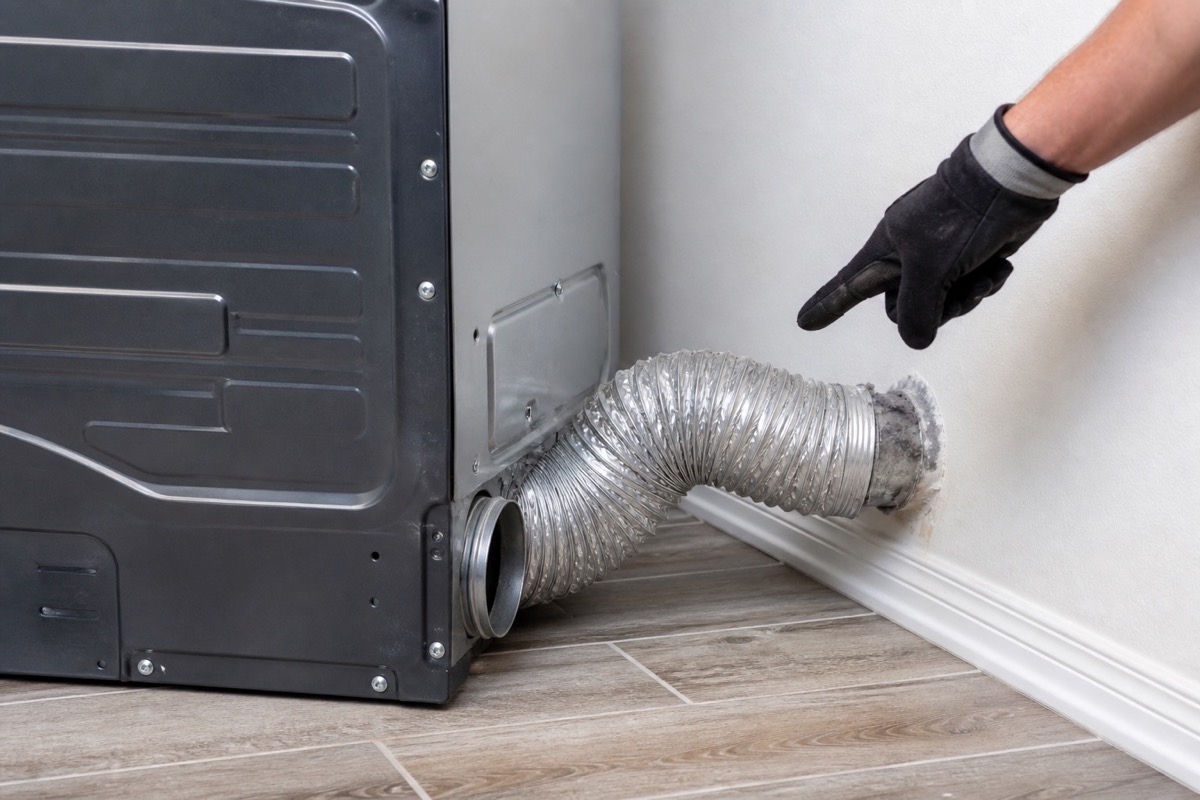
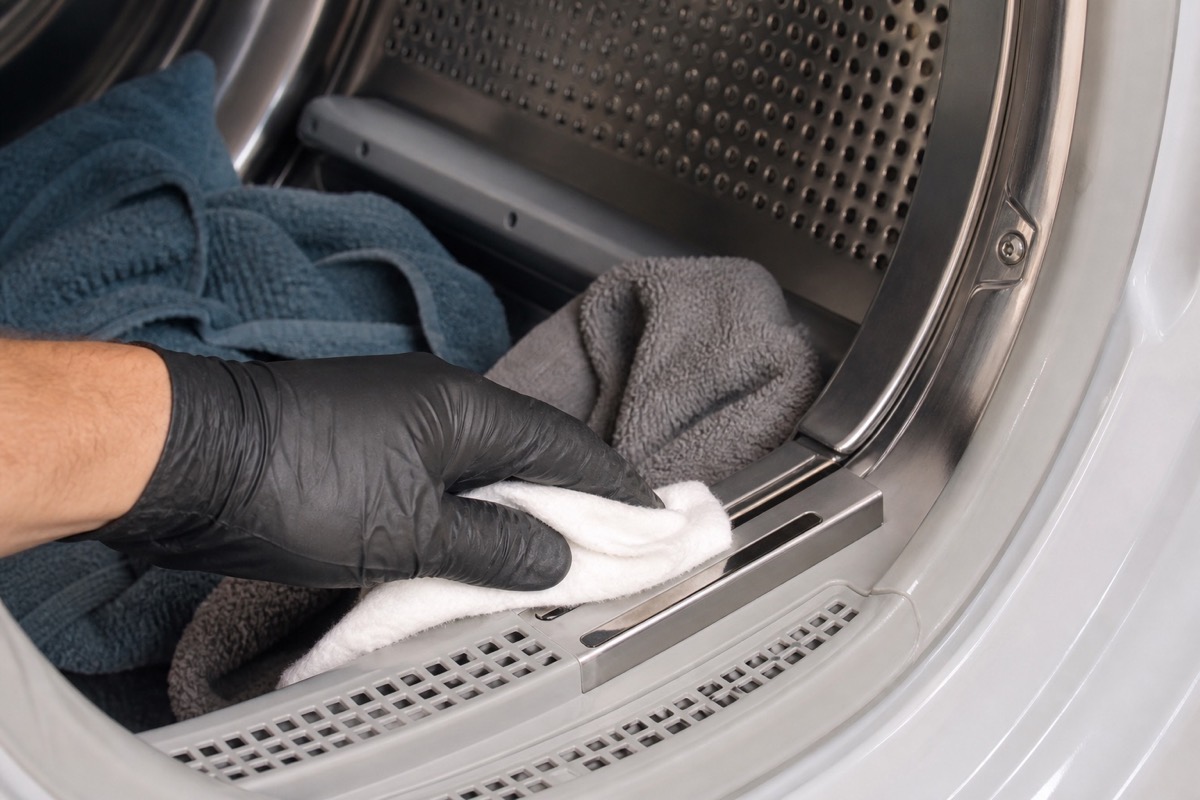
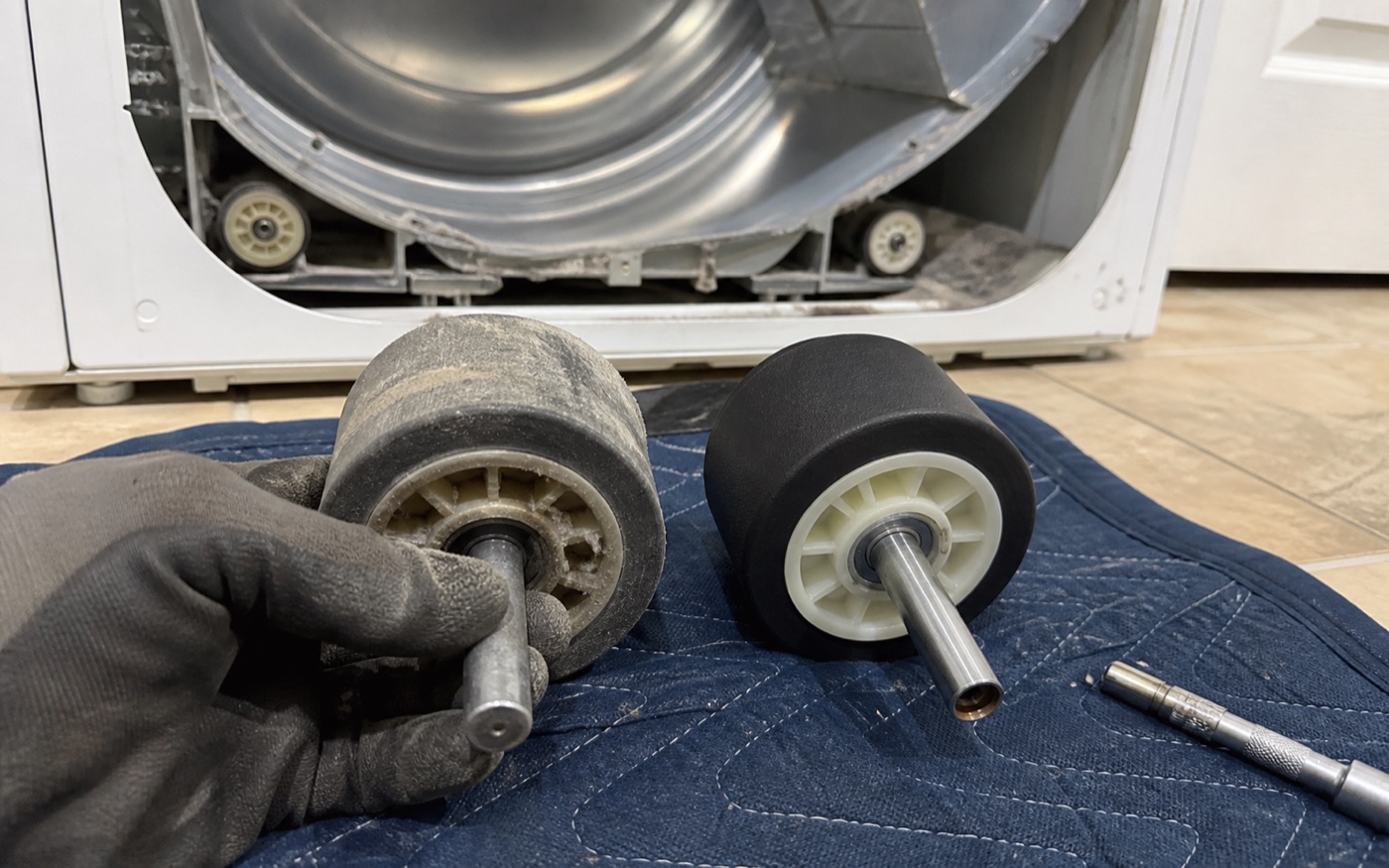
Photo guide
Diagnostic Photos
Local Dryer Service
Relevant local service pages include dryer repair in Cape Coral and Fort Myers dryer repair. We also serve surrounding Southwest Florida service areas.
For scheduling, use the Contact page or call/text Art’s Appliance Repair directly.
Helpful Next Pages
These related guides and local service pages help connect the symptom to a practical repair path.
Related Appliance Guides
Dryer
Dryer Smells Like It Is Burning: When to Stop Using It
A dryer that smells like burning needs a safety-first response. Learn when to stop, when a gas odor is an emergency, and what to report for local service.
Updated October 15, 2026
Dryer smells like it is burning
Dryer
Dryer Runs but Does Not Heat: Electric and Gas Clues
Dryer tumbles but blows cold air? Separate cycle, electric-supply, gas and airflow clues before requesting local dryer repair.
Updated October 16, 2026
Dryer runs but does not heat
Dryer
Dryer Takes Two Cycles to Dry: Airflow, Heat, and Vent Clues
If a dryer takes two cycles, compare the load, washer spin, heat and outside airflow. Learn when the dryer needs service and when the home vent needs attention.
Updated September 26, 2026
Dryer takes two cycles to dry