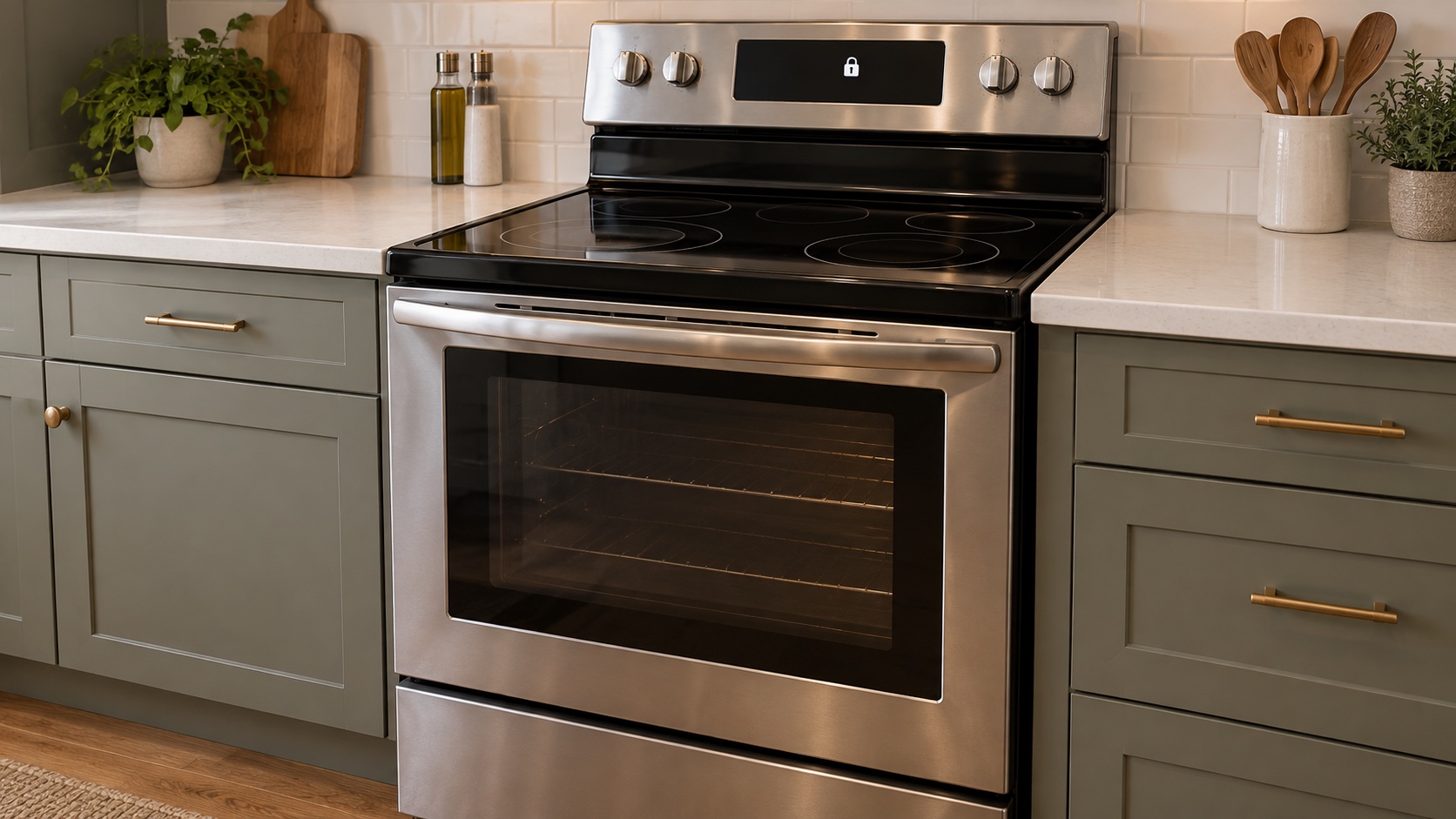
Stop First: Do Not Force a Hot Oven Door
Samsung warns that the door automatically locks during Self Clean and can remain locked until the cavity cools. For covered models, forcing the door can damage the automatic locking system. Whirlpool and GE also tell owners not to force the latch.
Samsung: Self Clean safety and normal locked-door behavior
The Cycle Ended, but the Oven Is Still Cooling
Self Clean uses much higher heat than ordinary baking. The display may say the cycle is complete while the appliance continues cooling. The fan may also continue to run. Leave the door closed and allow the automatic lock to release on its own.
Do not use a universal temperature or wait-time rule. Samsung documents a below-350°F release point for some covered models, while Whirlpool describes approximately 200°F for its covered products. GE lists model-dependent cool-down periods. Your model’s manual controls.
If you canceled Self Clean, cancellation stops the heating program; it does not make the cavity cool immediately. Stand back when the door eventually opens because hot air can escape.
Read the Display Before Changing Anything
- Self Clean, Clean or a hot-surface message still appears: allow cooling and follow the model’s completion instructions.
- A padlock or Control/Child Lock appears while the oven is cool: use only the exact model’s control-lock directions.
- An error code appears: photograph the complete code and indicators before clearing them.
- The panel is blank after a power interruption: note when power failed and whether it happened during Self Clean.
- The handle moves but the door does not release: stop pulling. The symptom does not identify whether the latch, motor, switch or control is at fault.
A control-panel lock and a high-temperature door lock are not the same on every range. Do not copy a button combination from a different brand or model.
Samsung: locked oven door, panel checks and service threshold
Safe Steps After the Oven Is Cool
- Confirm that the oven is off, the cooktop is off and the appliance has cooled. Do not test temperature by touching the door glass or vent.
- Press the normal Cancel or Clear/Off control once if the model’s manual directs it. Wait for the documented latch response; do not repeat commands rapidly.
- Check the manual for Control Lock, Child Lock and post-Self-Clean instructions for the complete model number.
- If the manufacturer directs a power cycle, use the clearly identified breaker from a safe, dry location for the stated time. Whirlpool publishes one minute for covered products; Samsung publishes 60 seconds; GE publishes 30 seconds for covered models. These are brand guidance, not one universal reset duration.
- After restoring power, give the lock time to respond. If the door remains locked, stop and request diagnosis rather than running another high-heat cycle as a generic test.
Keep the task external. Do not remove the back panel, control panel, door, trim or lock assembly. Do not insert a tool near the latch or hold a door switch. A breaker reset does not make internal parts safe to handle.
Whirlpool: locked oven controls, cool-down and model-specific power reset
GE Appliances: door will not unlock after Self Clean
If Power Failed During Self Clean
A power interruption can leave the controls and latch in an unfinished state. Record whether the outage happened while the oven was heating, cooling or already finished. When power returns, do not assume the cavity is cool just because the display restarted.
Whirlpool gives a specific Self Clean then Cancel sequence for some covered products after interrupted cleaning. Other brands and models differ. Use the exact manual rather than starting a new cleaning cycle from generic internet instructions.
A Door That Locked During Normal Baking Is Different
The self-clean lock is not supposed to engage during ordinary baking on the GE products covered by its guidance. If it does, cancel the cooking mode normally, let the oven cool completely and request service if the lock does not release or the problem returns.
Do not continue cooking around a latch that engages unexpectedly. Note the selected mode, temperature, food in the cavity and exact display message. If food is trapped inside, do not pry the door; tell the service provider that food is present.
GE Appliances: oven door locked during baking
When the Locked Door Needs Diagnosis
- The oven is fully cool, but the lock indicator and door remain locked.
- Cancel/Clear does not respond or the panel is blank after power is restored.
- A door-lock, temperature or control error returns.
- The lock clicks or hums repeatedly without releasing.
- The door locked during Bake or another normal cooking mode.
- The symptom began after an outage, electrical work, moving the range or a failed Self Clean cycle.
- There is visible damage, a burning smell, smoke, arcing or repeat breaker tripping.
Possible service areas include the latch, lock motor, door switch, temperature sensing, wiring and electronic control. The outward symptom alone does not identify a part to order.
What to Include in an Oven Lock Repair Request
For service in Cape Coral or Fort Myers, include your city or ZIP code privately so we can confirm coverage, appliance eligibility and appointment availability.
- Brand and complete model number from appliance records or a safely accessible label; do not pull out a built-in oven or range to find it.
- A full-appliance photo with the door closed, controls visible and the appliance cool.
- The exact lock symbol, message or error code, plus a close photo of the display.
- Whether Self Clean completed, was canceled or lost power, and approximately when the issue began.
- Whether the oven has cooled, the panel responds and the cooktop or second oven still operates.
- Any smoke, odor, arcing, breaker trip, trapped food or unexpected locking during Bake. Do not recreate the symptom for a photo or video.
Art’s Appliance Repair services many oven, range and door-lock problems. Share the model so we can confirm whether we can help. An online appointment time is a request and requires confirmation. The service call is $0 when an approved repair is completed, or $79 if no repair is completed after diagnosis.
Cape Coral oven and stove repair
Fort Myers oven and stove repair
Service-call and warranty policy
Local Oven and Stove Service
We provide oven and stove repair in Cape Coral and Fort Myers, along with surrounding Southwest Florida service areas.
For scheduling, use the Contact page or call/text Art’s Appliance Repair directly.
Related Appliance Guides
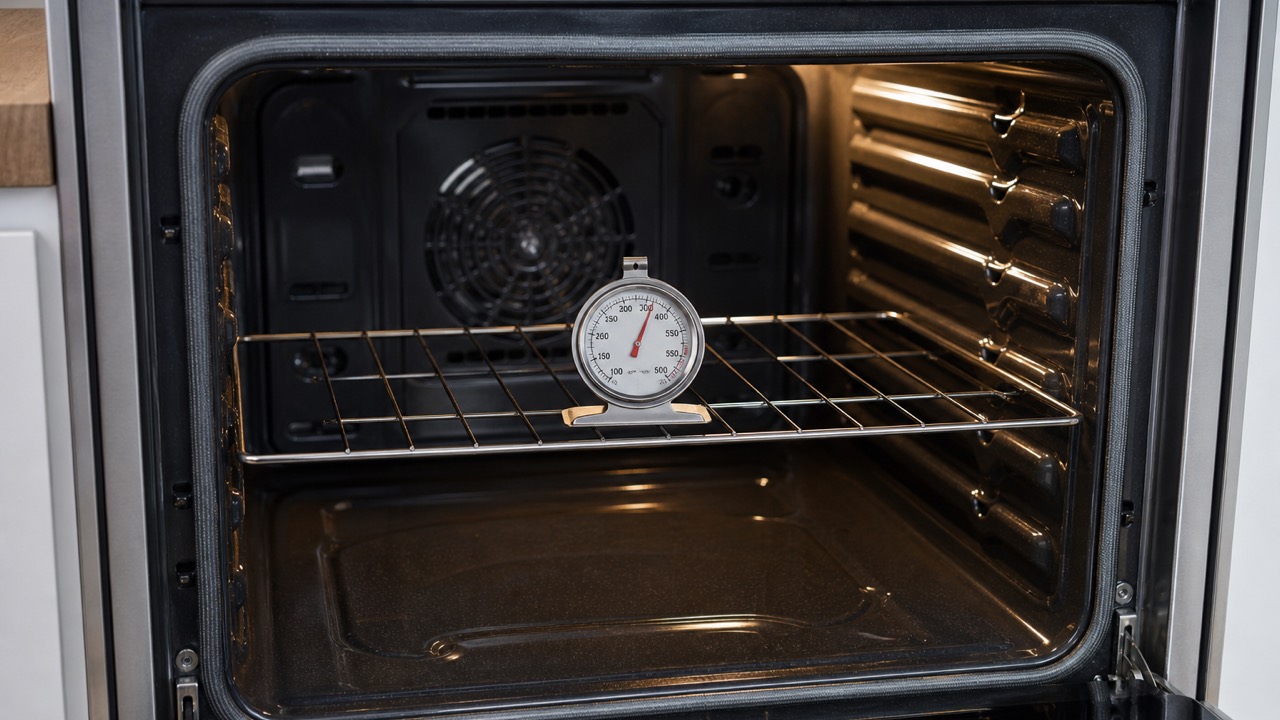
Oven
Oven Not Heating to the Correct Temperature: Common Causes
Oven too hot, too cold, or heating unevenly? Learn the common causes, safe checks, and when to schedule oven repair in Cape Coral or Fort Myers.
Updated August 11, 2026
Oven temperature changed after Self Clean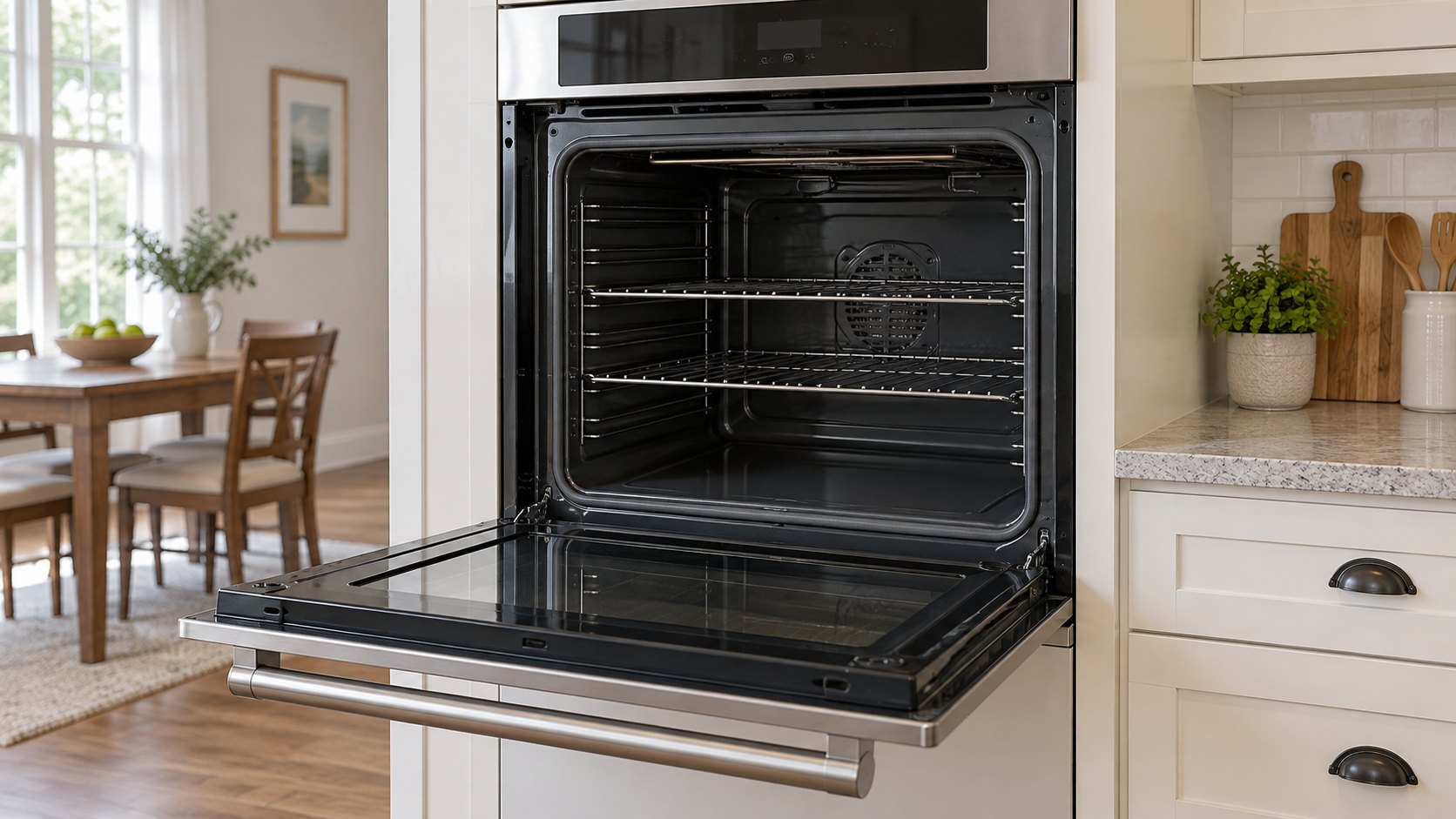
Oven
Oven Takes Too Long to Preheat: What Usually Causes It?
Oven preheating slowly, or Broil working while Bake stays weak? Compare the right symptoms, check model-specific controls, and know when to request local repair.
Updated September 12, 2026
Oven takes too long to preheat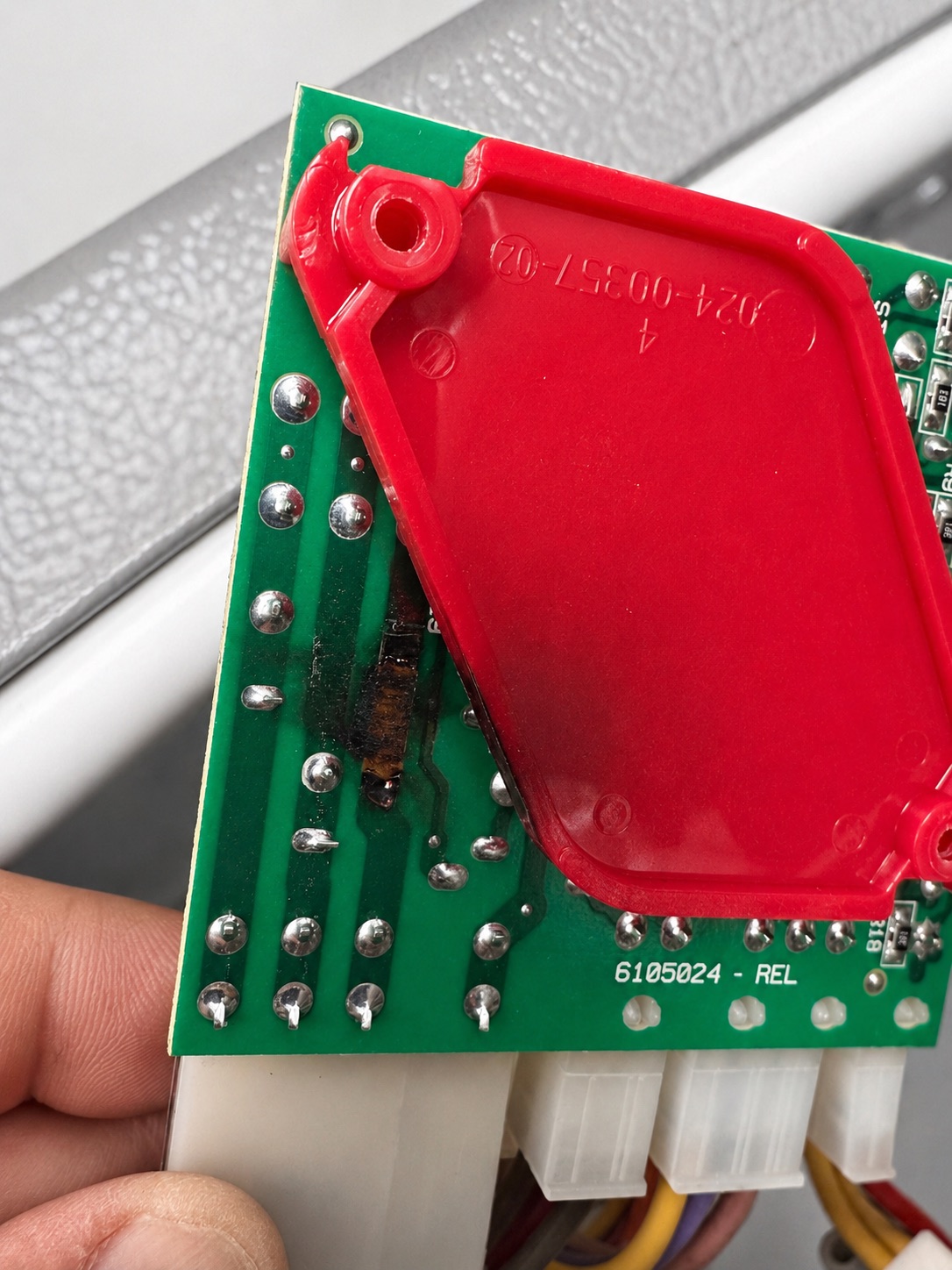
Appliance Tips
Appliances After a Power Surge: Warning Signs of Electrical Damage
Appliance acting differently after a power surge or outage? Learn the warning signs of electrical damage, what you can safely check, and when to schedule repair.
Updated August 18, 2026
Appliance symptoms after a power interruption