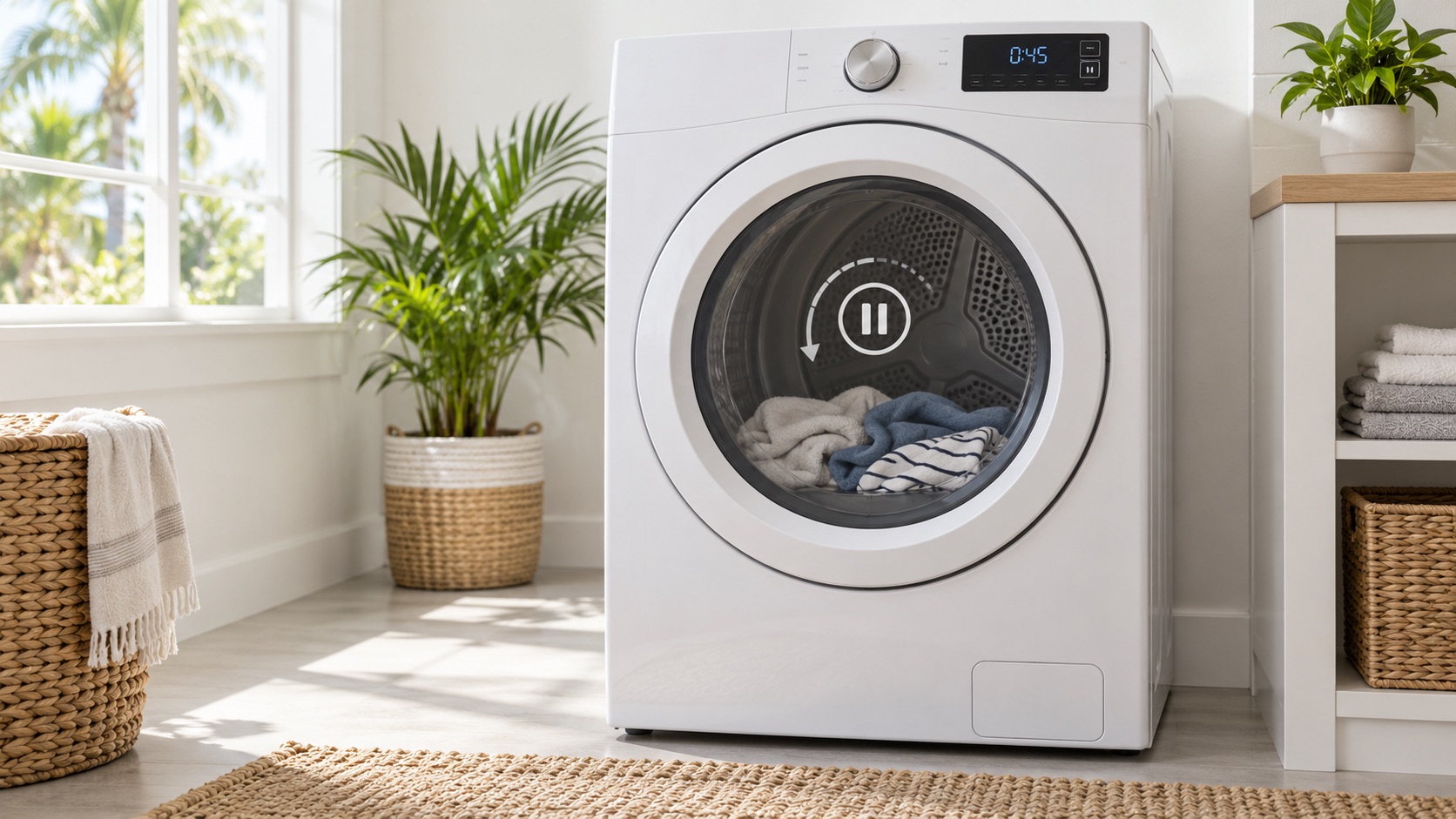
Stop First for Heat, Humming, Odor, or Electrical Warning Signs
A dryer depends on drum movement to distribute clothing and heated air. Whirlpool advises against continued use when a dryer does not spin because the appliance can be damaged further. Do not run an empty cycle, push the drum by hand, reach through the doorway while Start is pressed, or bypass the door switch to reproduce the symptom.
Whirlpool: possible causes of a dryer that will not spin
Did the Cycle Actually Start?
First separate a cycle that never began from one that began without drum movement. For covered Samsung dryers with a digital timer, Samsung says to select Time Dry, hold Start, and observe whether the timer begins counting down. If the time decreases but the drum does not turn, the support page directs the owner to service. This is a Samsung-specific observation; use the exact manual for another brand or a model without a digital timer.
Samsung: dryer turns on but will not start or spin
- Timer or cycle indicator never starts: check the door, Control Lock, selected cycle, displayed code, and model-specific Start action.
- Timer counts down and drum stays still: stop the cycle and request diagnosis rather than repeating the test.
- No digital timer: note whether the controls change, a relay clicks, or the motor makes a sound; do not copy a timer test from another model.
- Humming, heat, odor, scraping, or a breaker trip: stop immediately and keep the dryer off.
A lit panel alone does not prove that the motor received a start command. If the controls do not accept Start, use the separate no-start guide. If the cycle runs but the dryer stops later, record when it stops and use the early-shutdown guide.
Safe Outside Clues: Sound, Heat, Load, and Display
Observe only from outside a closed, intact dryer. Do not continue if a warning sign appears. A few details can help route the request without guessing a part:
- Silence after Start, one click, repeated clicking, humming, grinding, or a normal motor sound.
- Whether the timer counts down, an error code appears, or the display returns to the selection screen.
- Whether the drum never moved or stopped after part of the cycle.
- Whether the dryer produces heat even though clothing remains in the same position.
- The load type and approximate size, including one bulky item or an overloaded drum.
- Any burning or gas odor, unusual cabinet heat, damaged clothing, weak airflow, or breaker event.
After the dryer is stopped, disconnected according to its exact manual, and cool, remove the load only if the door opens normally and there is no emergency condition. Check for an item visibly caught at the doorway. Do not reach into hidden openings, move the dryer, pull a gas line, or try to rotate a resistant drum.
An overloaded or bulky load can affect operation on some models, but removing the load does not clear a dryer that already hummed, heated, smelled hot, or failed to turn. Use the model manual for load limits. Do not restart simply to see whether a smaller load works after a warning sign.
Why Belt, Motor, and Drum-Support Clues Need Diagnosis
The drive belt transfers motor movement to the drum on many dryers. A motor sound with no drum movement can be consistent with a worn or broken belt, but that observation does not prove the belt failed. Some designs also use a belt switch that changes how the dryer responds when belt tension is lost.
A motor or starting component can also fail to turn the drive system. A hum can occur when the motor is stalled or another component cannot move. Repeatedly pressing Start can add heat and damage, so leave the appliance off instead of trying to help it begin turning.
Drum rollers, glides, bearings, a blower obstruction, trapped material, or another seized component can make movement difficult. Controls, wiring, door sensing, and model-specific safety devices can produce similar outside symptoms. Whirlpool lists belts, motors, drum supports, and electronic controls among possible causes, but its general article does not identify the cause in a particular dryer.
What to Share Before Requesting Dryer Repair
Prepare details that can be collected without moving, opening, or restarting the dryer:
- Brand and complete model number from an accessible label, purchase record, or manual.
- Gas, electric, heat-pump, or ventless type if known; say unknown rather than moving the appliance.
- Whether the cycle timer started and whether the drum never moved or stopped later.
- What you heard after Start and whether any heat, odor, code, or breaker event occurred.
- Cycle name, load type, approximate load size, and whether one item was caught at the doorway.
- Any recent installation, move, power event, vent work, noise, or slow-drying symptom.
A photo of the display and model label can help prepare for diagnosis, but neither confirms a failed part. Do not recreate the symptom for a recording after humming, heat, odor, electrical damage, or a stalled drum.
Request dryer service (appointment time subject to confirmation)
Read the service-call and warranty policy
Local Dryer Diagnosis in Southwest Florida
Art’s Appliance Repair provides in-home dryer diagnosis in Cape Coral, Fort Myers, North Fort Myers, Lehigh Acres, Estero, Bonita Springs, and Naples. Share your city or ZIP code, model, dryer type, timer behavior, sound, heat, and load details so we can confirm coverage, appliance eligibility, and appointment availability.
We explain the diagnosis and repair price before approved work begins. The service call is $0 when an approved repair is completed; diagnosis is $79 when no repair is completed. Requested dates and times require confirmation.
Local Dryer Service
Relevant local service pages include dryer repair in Cape Coral, dryer repair in Fort Myers, dryer repair in North Fort Myers, dryer repair in Lehigh Acres, dryer repair in Estero, dryer repair in Bonita Springs, and dryer repair in Naples. We also serve surrounding Southwest Florida service areas.
For scheduling, use the Contact page or call/text Art’s Appliance Repair directly.
Related Appliance Guides
Dryer
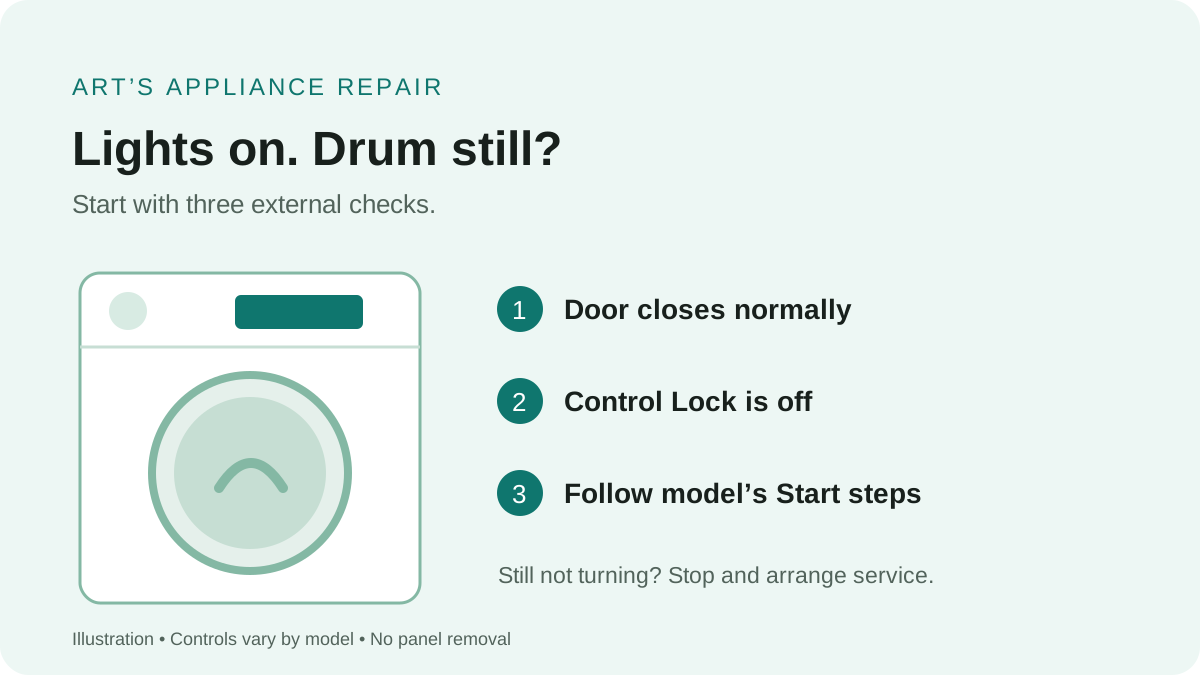
Dryer Has Power but Won’t Start: What to Check
Dryer lights turn on but the drum stays still? Check the door, control lock, and start sequence, then learn which symptoms need professional diagnosis.
Updated September 9, 2026
Dryer has power but will not start
Dryer
Dryer Stops After a Few Minutes: What to Check
Dryer stops after a few minutes? Separate an early Sensor Dry finish from heat, airflow, power or motor symptoms before requesting local dryer repair.
Updated September 24, 2026
Dryer starts, then stops
Dryer
Dryer Squeaking While Running: When the Sound Needs Service
Dryer squeaking while running? Compare load, timing, vibration and warning signs before requesting dryer repair in Cape Coral or Fort Myers.
Updated October 14, 2026
Dryer squeaks while running