What Can You Safely Check?
These checks are for an otherwise normal, dry appliance with no signs of electrical damage. Do not open panels, reach behind a running dryer, bridge a door switch, or keep restarting a unit that hums without turning. If the breaker trips, leave the dryer off and have the cause checked. A control reset is not a repair for a recurring fault.
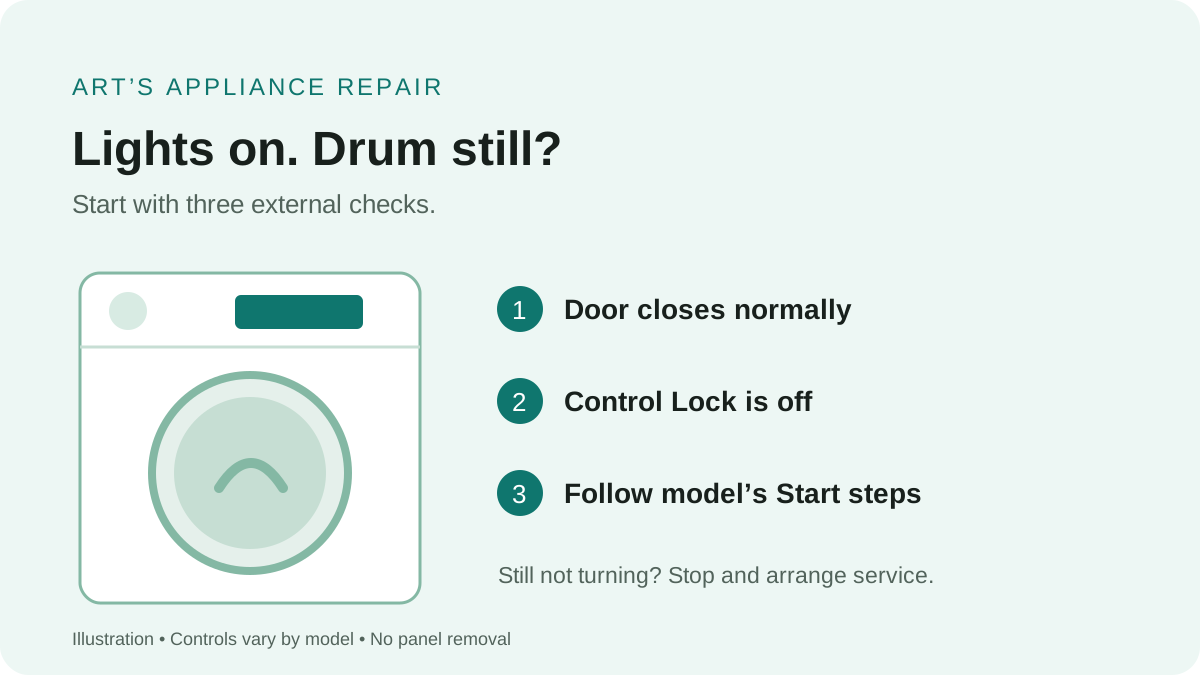
Check the door without forcing the latch
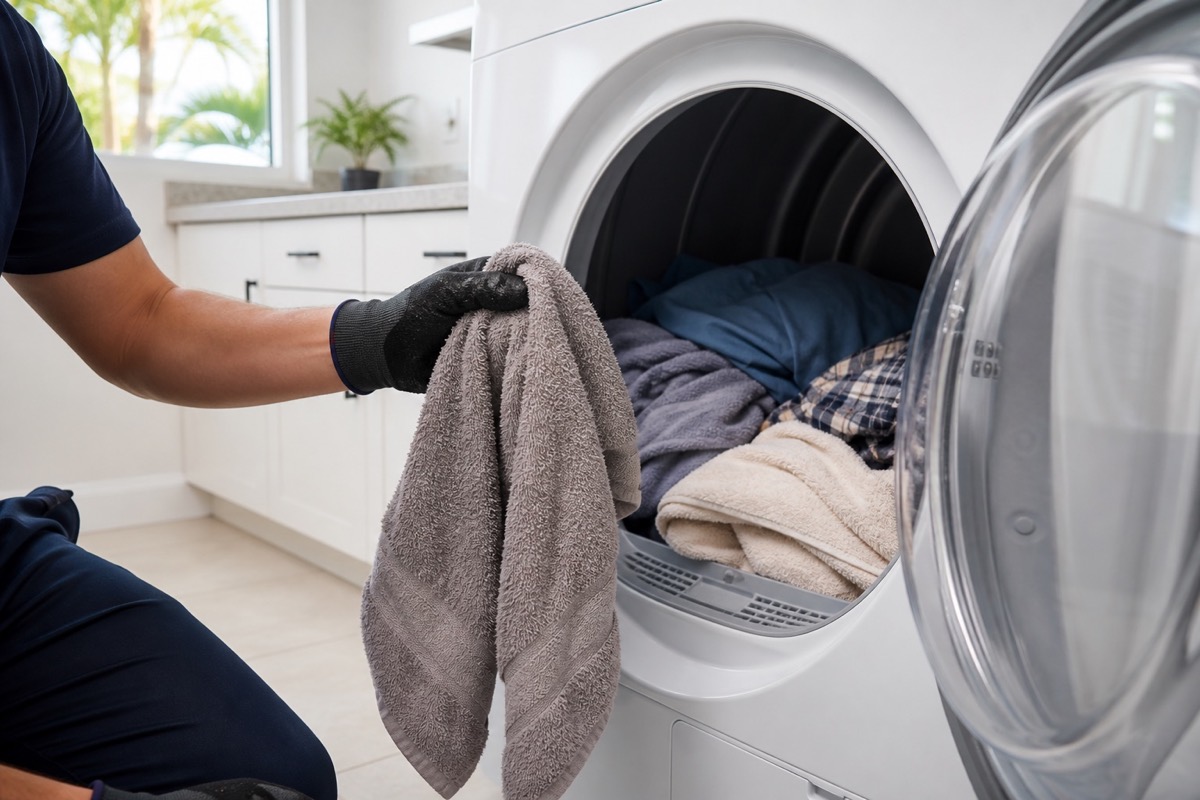
With the cycle stopped, remove clothing caught at the door opening and close the door normally. Whirlpool notes that a door can look closed without being fully latched; some models have two latches. If it will not catch, or the visible latch area is damaged, stop here. Do not hold the switch in or tape the door shut to run a test.
Look for a lock symbol and read the model’s instructions
Control Lock or Child Lock can prevent Start from responding. Use the labeled control or your exact model’s manual. Do not copy a button combination from a different dryer. Whirlpool also notes that moisture on a touch panel or your hands can interfere with touch input; use dry hands and a clean, dry cloth on the panel.
Select a drying cycle and use the correct Start action
Check whether your button says Start, Push to Start, or Hold to Start. Follow the manual’s hold time. On applicable Whirlpool models, Wrinkle Shield is not a drying cycle that can be used to begin a new load. Record any message that appears instead of repeatedly changing settings.
Whirlpool: controls, door latches, and cycle-start checks
GE’s no-start guidance likewise checks door closure, cycle selection, and the Start control. These shared checks do not mean that every brand uses the same controls or electrical design.
GE Appliances: dryer will not run or start
Did the Dryer Accept the Start Command?
For Samsung dryers covered by its support guide and equipped with a digital timer, Samsung suggests selecting Time Dry and holding Start, then observing whether the displayed time decreases. Check the manual first. This observation separates a cycle that has not begun from one that is counting down without drum movement; it does not identify a defective component.
- Timer does not count down: recheck the door, Child Lock, and the model-specific start instructions. Write down any error code.
- Timer counts down but the drum stays still: stop the cycle and request service.
- No digital timer: this timer test does not apply. Use the model’s troubleshooting instructions or arrange diagnosis.
- Humming, grinding, or heat without tumbling: stop instead of continuing the observation or trying to help the drum turn.
Samsung: dryer turns on but will not start or spin
Why a Click or Lit Display Is Not a Diagnosis
A click is a useful detail to report, but it is not enough to order a part. Note whether the sound happens once when Start is pressed, repeats, or accompanies a hum. Also note whether the display changes or goes dark. Avoid dismantling the dryer to locate the sound.
Whirlpool lists the belt, motor, drum supports, and electronic control among possible reasons a dryer will not spin. For example, a motor sound with a stationary drum can point toward a drive problem, but a technician still needs to confirm what is happening on that model. Internal inspection and electrical measurements belong to a qualified professional.
Do not keep running a dryer that heats without tumbling. Whirlpool advises stopping use when the drum will not spin because continued operation can cause further damage. Do not try to start the drum by hand while pressing Start.
Whirlpool: possible causes of a dryer that will not spin
What to Prepare Before Requesting Service
A short description helps the technician prepare without asking you to diagnose the appliance. Gather only what is safely visible; there is no need to move or disassemble the dryer.
- Brand and model number from an accessible label or your paperwork.
- A photo of the display, including any lock indicator or error code.
- Whether the panel stays on, the timer counts down, and the drum moves.
- What you hear after Start: silence, one click, repeated clicks, humming, or grinding.
- Whether this began after an installation, move, outage, or a cycle that stopped early.
- Which external checks you already completed and whether the door latches normally.
If this is a newly installed dryer, include the installation date and contact the installer about a possible installation issue. If manufacturer warranty coverage may apply, check the warranty service process before approving paid repair. Neither a photo nor an error code alone confirms which part needs replacement.
Request a dryer service appointment (time subject to confirmation)
Read the service call and warranty policy
Local Dryer Service
We provide dryer repair in Cape Coral and Fort Myers, along with surrounding Southwest Florida service areas.
For scheduling, use the Contact page or call/text Art’s Appliance Repair directly.
Related Appliance Guides
Dryer
Dryer Stops After a Few Minutes: What Usually Causes It?
Dryer starts normally but stops after a few minutes? Learn how sensor cycles, restricted airflow, overheating, motor problems, power, and door issues differ.
Updated August 22, 2026
Dryer starts, then stops after a few minutes
Dryer
Dryer Runs but Does Not Heat: Common Causes
Dryer running but not heating? Learn the common electric and gas dryer causes, safe checks, and when to schedule dryer repair in Cape Coral or Fort Myers.
Updated July 24, 2026
Drum turns but clothes do not heat
Dryer
Dryer Makes a Squeaking Noise While Running: What the Sound Can Tell You
Dryer squeaking while it runs? Learn how idler pulleys, rollers, belts, bearings, glides, heavy loads, and trapped objects can cause the noise.
Updated August 12, 2026
Squeaking or other noise while the dryer runsNeed service?
Dryer Repair in Southwest Florida
Art’s Appliance Repair provides in-home dryer diagnosis throughout its Southwest Florida service area. We explain the findings and repair price before work begins. Share what happens after Start and the external checks you have completed. Appointment availability and requested times require confirmation.
The service call is $0 when an approved repair is completed; $79 if no repair is completed after diagnosis.
View Dryer Repair